
talk-data.com talk-data.com

S

Speaker

Susan Sales Harkins

3

talks

author

Frequent Collaborators

Filter by Event / Source

Talks & appearances

3 activities · Newest first

Search activities →
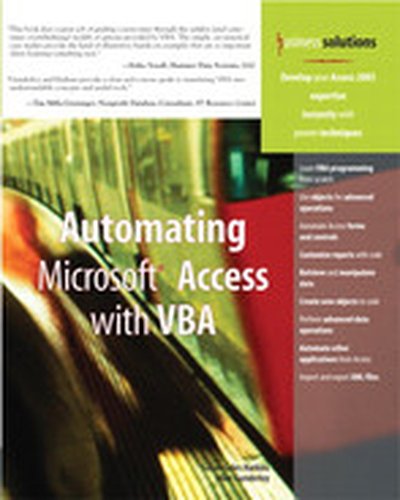
Business solutions Automating Microsoft® Access with VBA

If you use Microsoft Access in your every day business life but haven't learned to fully exploit the program, now's your chance. Automating Microsoft Access with VBA is a thorough introduction to programming Microsoft Accessing using Visual Basic for Applications (VBA). With this book, you will gain a working knowledge of VBA and be able to customize your Microsoft Access databases. You will cover topics that include: Operators and functions Debugging and error handling Menu commands Forms and reports Jet databases DAO object model Save money by learning to use VBA to customize your databases instead of paying someone else to do it for you!
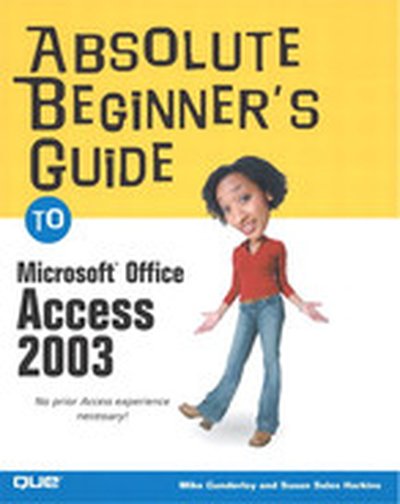
Absolute Beginner’s Guide to Microsoft® Office Access 2003

Microsoft Access 11 is a powerful, relational database software package that makes it easier for you to create and manage complex databases. With Access, you can create a database quickly from scratch or by using and Access database Wizard. Once you¿ve created your database, Access provides all the tools you need to enter and manipulate data. Using Access, you can do the following: Quickly start a new database by using the Database Wizard. Create tables from scratch or by using a Wizard. Add and edit database information by using both tables and forms. Manipulate data in a number of tables by using queries and reports.

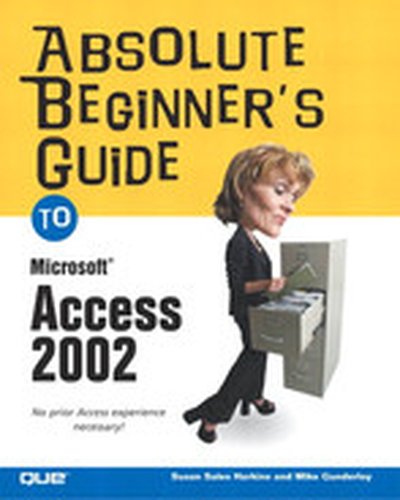
Absolute Beginner’s Guide to Microsoft® Access 2002

Microsoft Access 2002 is a powerful, relational database software package that makes it easy to create and manage complex databases. With Access, users can create a database quickly from scratch or by using an Access database Wizard. Once the database is created, Access provides all the tools needed to enter and manipulate data. With the help of the Absolute Beginner's Guide, readers are able to quickly start a new database by using the Database Wizard, create tables from scratch or by using a Wizard, add and edit database information by using both tables and forms and manipulate data in a number of tables by using queries and reports. The book assumes absolutely no prior knowledge of the topic, and learning is easy because of the book's lighthearted but no-nonsense style. It serves as an excellent resource for users who are completely new to Access 2002 or who are upgrading from a previous version of the software.