
talk-data.com talk-data.com

M

Speaker

Markus Ehrenmueller-Jensen

2

talks

author

Filter by Event / Source

Talks & appearances

2 activities · Newest first

Search activities →
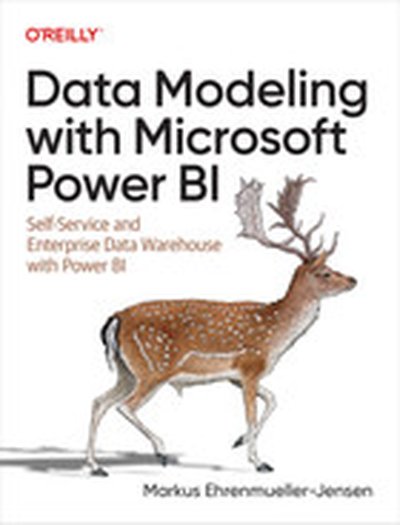
Data Modeling with Microsoft Power BI

Data modeling is the single most overlooked feature in Power BI Desktop, yet it's what sets Power BI apart from other tools on the market. This practical book serves as your fast-forward button for data modeling with Power BI, Analysis Services tabular, and SQL databases. It serves as a starting point for data modeling, as well as a handy refresher. Author Markus Ehrenmueller-Jensen, founder of Savory Data, shows you the basic concepts of Power BI's semantic model with hands-on examples in DAX, Power Query, and T-SQL. If you're looking to build a data warehouse layer, chapters with T-SQL examples will get you started. You'll begin with simple steps and gradually solve more complex problems. This book shows you how to: Normalize and denormalize with DAX, Power Query, and T-SQL Apply best practices for calculations, flags and indicators, time and date, role-playing dimensions and slowly changing dimensions Solve challenges such as binning, budget, localized models, composite models, and key value with DAX, Power Query, and T-SQL Discover and tackle performance issues by applying solutions in DAX, Power Query, and T-SQL Work with tables, relations, set operations, normal forms, dimensional modeling, and ETL
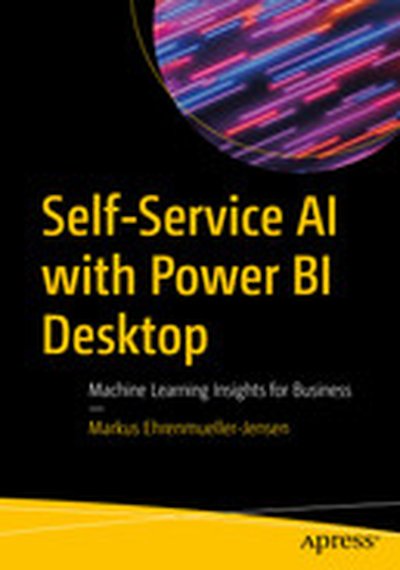
Self-Service AI with Power BI Desktop: Machine Learning Insights for Business

This book explains how you can enrich the data you have loaded into Power BI Desktop by accessing a suite of Artificial Intelligence (AI) features. These AI features are built into Power BI Desktop and help you to gain new insights from existing data. Some of the features are automated and are available to you at the click of a button or through writing Data Analysis Expressions (DAX). Other features are available through writing code in either the R, Python, or M languages. This book opens up the entire suite of AI features to you with clear examples showing when they are best applied and how to invoke them on your own datasets. No matter if you are a business user, analyst, or data scientist – Power BI has AI capabilities tailored to you. This book helps you learn what types of insights Power BI is capable of delivering automatically. You will learn how to integrate and leverage the use of the R and Python languages for statistics, how to integrate with Cognitive Services andAzure Machine Learning Services when loading data, how to explore your data by asking questions in plain English ... and more! There are AI features for discovering your data, characterizing unexplored datasets, and building what-if scenarios. There’s much to like and learn from this book whether you are a newcomer to Power BI or a seasoned user. Power BI Desktop is a freely available tool for visualization and analysis. This book helps you to get the most from that tool by exploiting some of its latest and most advanced features. What You Will Learn Ask questions in natural language and get answers from your data Let Power BI explain why a certain data point differs from the rest Have Power BI show key influencers over categories of data Access artificial intelligence features available in the Azure cloud Walk the same drill down path in different parts of your hierarchy Load visualizations to add smartness to your reports Simulate changes in data and immediately see the consequences Know your data, even before you build your first report Create new columns by giving examples of the data that you need Transform and visualize your data with the help of R and Python scripts Who This Book Is For For the enthusiastic Power BI user who wants to apply state-of-the-art artificial intelligence (AI) features to gain new insights from existing data. For end-users and IT professionals who are not shy of jumping into a new world of machine learning and are ready to make that step and take a deeper look into their data. For those wanting to step up their game from doing simple reporting and visualizations by making the move into diagnostic and predictive analysis.