
talk-data.com talk-data.com

M

Speaker

Michael Armstrong-Smith

2

talks

author

Frequent Collaborators

Filter by Event / Source

Talks & appearances

2 activities · Newest first

Search activities →
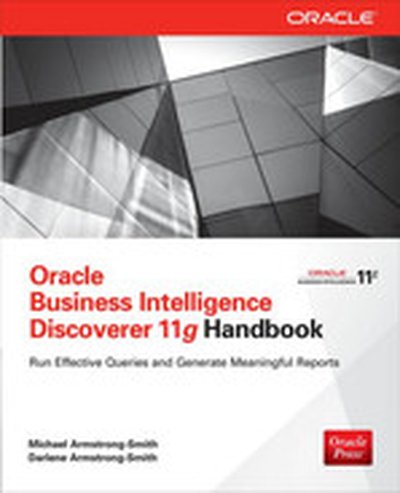
Oracle Business Intelligence Discoverer 11g Handbook

Master Oracle Business Intelligence Discoverer 11g Provide secure, immediate access to critical business information from relational and multidimensional data sources across your organization. Oracle Business Intelligence Discoverer 11g Handbook shows you how to optimize this intuitive ad hoc query, reporting, analysis, and web publishing tool for maximum performance. Real-world examples illustrate the powerful analysis, security, and reporting capabilities. Enable business users at all levels to make faster, more-informed decisions with help from this Oracle Press guide. Configure and manage Oracle Business Intelligence Discoverer 11g Run functional queries using the Workbook Wizard Add sorts, calculations, percentages, totals, and parameters using Oracle Business Intelligence Discoverer Plus Format queries into well-organized reports with graphs, tables, titles, headers, and footers Perform data analysis--statistical, classification, deviation, trend, and aging Use Oracle Business Intelligence Discoverer Viewer 11g to analyze, format, export, e-mail, and print reports Manage integration with Oracle WebLogic Server Refine existing queries using interactive pivoting, drilling, and hyper-drilling Build effective conditions and refine parameters, calculations, sorting, and percentages Manage access and sharing rights, scheduling privileges, and user preferences Build an end user layer and a business area using Oracle Business Intelligence Discoverer Administrator Use Oracle Enterprise Manager's Fusion Middleware Control feature to manage Oracle Business Intelligence Discoverer settings and preferences Implement powerful analytic functions using templates
Oracle Discoverer 10g Handbook

Generate detailed reports that will give your company the competitive edge Put essential information in the hands of end-users across your organization using Oracle Business Intelligence Discoverer 10 g and the comprehensive information contained in this Oracle Press guide. You’ll learn, step-by-step, how to query databases and warehouses, format the results, and distribute dynamic, Web-enabled reports. All features are covered in full detail, including OracleBI Discoverer Desktop, Workbook Wizard, Plus, Viewer, Discoverer Administrator, Portlet Provider, OLAP, and Enterprise Manager. Real-world case studies and tutorials illustrate all of the analysis, security, and reporting capabilities of Oracle Discoverer 10 g. Set up, configure, and manage Oracle Business Intelligence Discoverer 10 g Perform ad hoc and fixed queries using the Workbook Wizard Integrate sorts, calculations, percentages, and parameters using Discoverer Plus Create reports with graphs, tables, titles, headers, footers, and margins Use Discoverer Viewer to review, format, export, email, and print reports Refine queries using interactive pivoting, drilling, and Hyper Drilling Control OLAP workbooks using the Discoverer Catalog and Oracle Enterprise Manager Establish access and sharing rights, and scheduling privileges with Discoverer Administrator Set up and use Portal using Discoverer Portlet Provider and Portlets Implement query shortcuts, cascading parameters and advanced analytic calculations using templates