

talk-data.com talk-data.com

David Feldman

Speaker

David Feldman

2

talks

Head of Digital People Experience Takeda

David Feldman is Head of Digital People Experience at Takeda, where he leads enterprise initiatives that blend AI, automation, and design thinking to create more human-centered digital workflows. His work focuses on how intelligent systems can simplify complexity, enhance decision-making, and elevate employee experience at global scale.

Bio from: Microsoft Ignite 2025

Filter by Event / Source

Talks & appearances

2 activities · Newest first

Search activities →
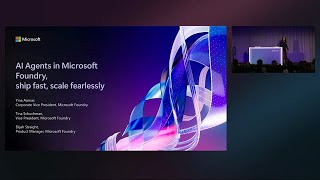
AI agents in Microsoft Foundry, ship fast, scale fearlessly

Ride the agent revolution with Microsoft Foundry, the one and only enterprise-ready Agent Factory. See how Foundry empowers you to build, test, and launch intelligent agents in record time, then scale them across your enterprise with bulletproof security and seamless integration. From prototype to leveraging tools, memory, knowledge and multi-agent orchestration, to integrate with Microsoft 365, this session is your shortcut to agentic success.
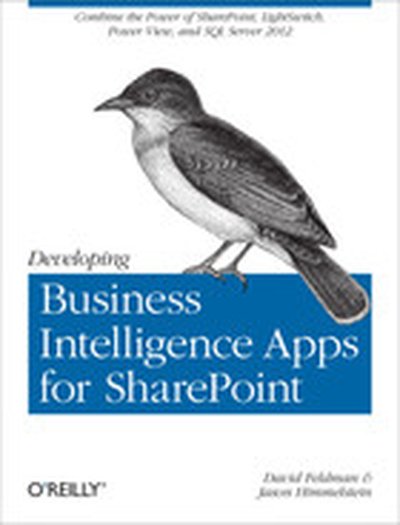
Developing Business Intelligence Apps for SharePoint

Create dynamic business intelligence (BI) solutions for SharePoint faster and with more capabilities than previously possible. With this book, you’ll learn the entire process—from high-level concepts to development and deployment—for building data-rich BI applications with Visual Studio LightSwitch, SQL Server 2012, and a host of related Microsoft technologies. You’ll learn practical techniques and patterns necessary to use all of these technologies together as you build an example application through the course of the book, step by step. Discover how to solve real problems, using BI solutions that will evolve to meet future needs. Learn the fundamentals of SharePoint, LightSwitch, and SQL Server 2012 Get a solid grounding in BI application basics and database design principles Use LightSwitch to build a help desk app, including data model design and SharePoint data integration Build a tabular cube with Microsoft’s Business Intelligence Semantic Model (BISM) Dive into the data visualization stack, including Excel and SQL Server Reporting Services Create reports with Excel Services, Report Builder, and PowerView Use tips and tricks for setting up your BI application development environment