
talk-data.com talk-data.com

Topic

microsoft-power-platform

3

tagged

Activity Trend

1 peak/qtr
2020-Q1 2026-Q1

Activities

Showing filtered results

Filtering by: Daniil Maslyuk ×
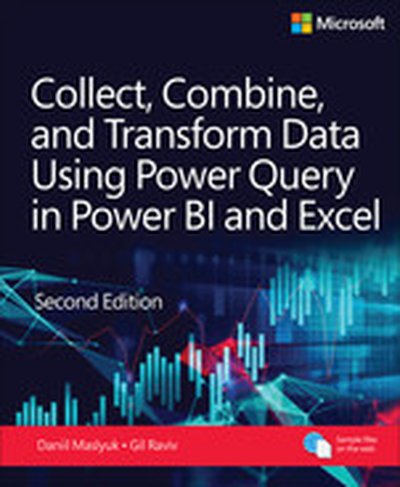
Collect, Combine, and Transform Data Using Power Query in Power BI and Excel, 2nd Edition

Transform your data analysis experience with Power Query, the ultimate tool for importing, reshaping, and cleansing data through a user-friendly interface. Whether youre using Power BI, Excel, or other Microsoft products, Power Querys capabilities are at your fingertips. Renowned Power Query experts Daniil Maslyuk and Gil Raviv guide you through mastering this indispensable tool, helping you eliminate tedious manual data preparation, tackle common issues, and avoid potential pitfalls. In this updated edition, youll delve into comprehensive analytics challenges, seamlessly integrating your skills into a realistic, final project. By the end, youll possess the expertise to handle any data and convert it into actionable insights. You will learn how to: Effortlessly prepare data by utilizing Power Query in Power BI and Excel to transform your data quickly and efficiently Overcome common data preparation problems with intuitive mouse clicks and straightforward formula edits Combine data from various sources, multiple queries, and mismatched tables with ease Reshape tables to suit your analysis needs Use the Power Query M formula language to create flexible data mashups and tailor transformations to your requirements Address and overcome collaboration challenges by using Power Querys powerful features Gain crucial insights from text feeds by enhancing your data analysis capabilities Profile data, diagnose queries, improve query performance, and more! About This Book For everyone who wants to get more done with Power Query in less time For business and financial professionals, developers, entrepreneurs, students, and others who need to efficiently manage and analyze data .
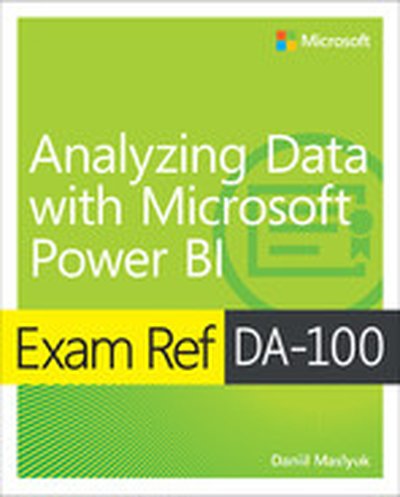
Exam Ref DA-100 Analyzing Data with Microsoft Power BI

Prepare for Microsoft Exam DA-100 and help demonstrate your real-world mastery of Power BI data analysis and visualization. Designed for experienced data analytics professionals ready to advance their status, Exam Ref focuses on the critical thinking and decision-making acumen needed for success at the Microsoft Certified Associate level. Focus on the expertise measured by these objectives: Prepare the data Model the data Visualize the data Analyze the data Deploy and maintain deliverables This Microsoft Exam Ref: Organizes its coverage by exam objectives Features strategic, what-if scenarios to challenge you Assumes you are an experienced business intelligence professional or data analyst, or have a similar role Analyzing Data with Microsoft Power BI About the Exam Exam DA-100 focuses on skills and knowledge needed to acquire, profile, clean, transform, and load data; design and develop data models; create measures with DAX; optimize model performance; create reports and dashboards; enrich reports for usability; enhance reports to expose insights; perform advanced analysis; manage datasets, and create and manage workspaces. About Microsoft Certification Passing this exam earns your Microsoft Certified: Data Analyst Associate certification, demonstrating your ability to help businesses maximize the value of data assets by using Microsoft Power BI. As subject matter experts, Data Analysts design and build scalable data models, clean and transform data, and enable advanced analytic capabilities that provide meaningful business value through easy-to-comprehend data visualizations. See full details at: microsoft.com/learn

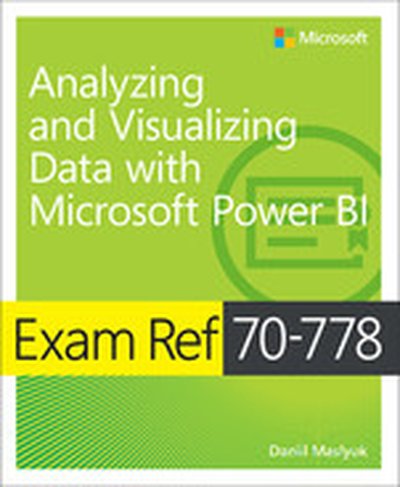
Exam Ref 70-778 Analyzing and Visualizing Data by Using Microsoft Power BI

Prepare for Microsoft Exam 70-778-and help demonstrate your real-world mastery of Power BI data analysis and visualization. Designed for experienced BI professionals and data analysts ready to advance their status, Exam Ref focuses on the critical thinking and decision-making acumen needed for success at the MCSA level. Focus on the expertise measured by these objectives: Consume and transform data by using Power BI Desktop Model and visualize data Configure dashboards, reports, and apps in the Power BI Service This Microsoft Exam Ref: Organizes its coverage by exam objectives Features strategic, what-if scenarios to challenge you Assumes you have experience consuming and transforming data, modeling and visualizing data, and configuring dashboards using Excel and Power BI