
talk-data.com talk-data.com

J

Speaker

Jon Westfall

2

talks

author

Filter by Event / Source

Talks & appearances

2 activities · Newest first

Search activities →
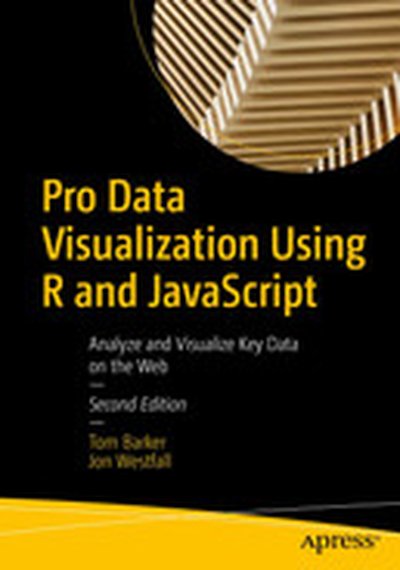
Pro Data Visualization Using R and JavaScript: Analyze and Visualize Key Data on the Web

Use R 4, RStudio, Tidyverse, and Shiny to interrogate and analyze your data, and then use the D3 JavaScript library to format and display that data in an elegant, informative, and interactive way. You will learn how to gather data effectively, and also how to understand the philosophy and implementation of each type of chart, so as to be able to represent the results visually. With the popularity of the R language, the art and practice of creating data visualizations is no longer the preserve of mathematicians, statisticians, or cartographers. As technology leaders, we can gather metrics around what we do and use data visualizations to communicate that information. Pro Data Visualization Using R and JavaScript combines the power of the R language with the simplicity and familiarity of JavaScript to display clear and informative data visualizations. Gathering and analyzing empirical data is the key to truly understanding anything. We can track operational metrics to quantify the health of our products in production. We can track quality metrics of our projects, and even use our data to identify bad code. Visualizing this data allows anyone to read our analysis and easily get a deep understanding of the story the data tells. This book makes the R language approachable, and promotes the idea of data gathering and analysis mostly using web interfaces. What You Will Learn Carry out data visualization using R and JavaScript Use RStudio for data visualization Harness Tidyverse data pipelines Apply D3 and R Notebooks towards your data Work with the R Plumber API generator, Shiny, and more Who This Book Is For Programmers and data scientists/analysts who have some prior experience with R and JavaScript.
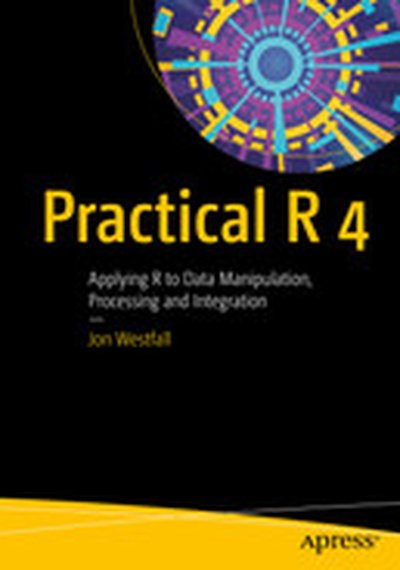
Practical R 4: Applying R to Data Manipulation, Processing and Integration

Get started with an accelerated introduction to the R ecosystem, programming language, and tools including R script and RStudio. Utilizing many examples and projects, this book teaches you how to get data into R and how to work with that data using R. Once grounded in the fundamentals, the rest of Practical R 4 dives into specific projects and examples starting with running and analyzing a survey using R and LimeSurvey. Next, you'll carry out advanced statistical analysis using R and MouselabWeb. Then, you’ll see how R can work for you without statistics, including how R can be used to automate data formatting, manipulation, reporting, and custom functions. The final part of this book discusses using R on a server; you’ll build a script with R that can run an RStudio Server and monitor a report source for changes to alert the user when something has changed. This project includes both regular email alerting and push notification. And, finally, you’ll use R to create a customized daily rundown report of a person's most important information such as a weather report, daily calendar, to-do's and more. This demonstrates how to automate such a process so that every morning, the user navigates to the same web page and gets the updated report. What You Will Learn Set up and run an R script, including installation on a new machine and downloading and configuring R Turn any machine into a powerful data analytics platform accessible from anywhere with RStudio Server Write basic R scripts and modify existing scripts to suit your own needs Create basic HTML reports in R, inserting information as needed Build a basic R package and distribute it Who This Book Is For Some prior exposure to statistics, programming, and maybe SAS is recommended but not required.