talk-data.com talk-data.com

S

Speaker

Steven Wort

6

talks

author

Frequent Collaborators

Filter by Event / Source

Talks & appearances

6 activities · Newest first

Search activities →
Professional Microsoft SQL Server 2014 Administration

Learn to take advantage of the opportunities offered by SQL Server 2014 Microsoft's SQL Server 2014 update means big changes for database administrators, and you need to get up to speed quickly because your methods, workflow, and favorite techniques will be different from here on out. The update's enhanced support of large-scale enterprise databases and significant price advantage mean that SQL Server 2014 will become even more widely adopted across the industry. The update includes new backup and recovery tools, new AlwaysOn features, and enhanced cloud capabilities. In-memory OLTP, Buffer Pool Extensions for SSDs, and a new Cardinality Estimator can improve functionality and smooth out the workflow, but only if you understand their full capabilities. Professional Microsoft SQL Server 2014 is your comprehensive guide to working with the new environment. Authors Adam Jorgensen, Bradley Ball, Ross LoForte, Steven Wort, and Brian Knight are the dream team of the SQL Server community, and they put their expertise to work guiding you through the changes. Improve oversight with better management and monitoring Protect your work with enhanced security features Upgrade performance tuning, scaling, replication, and clustering Learn new options for backup and recovery Professional Microsoft SQL Server 2014 includes a companion website with sample code and efficient automation utilities, plus a host of tips, tricks, and workarounds that will make your job as a DBA or database architect much easier. Stop getting frustrated with administrative issues and start taking control. Professional Microsoft SQL Server 2014 is your roadmap to mastering the update and creating solutions that work.

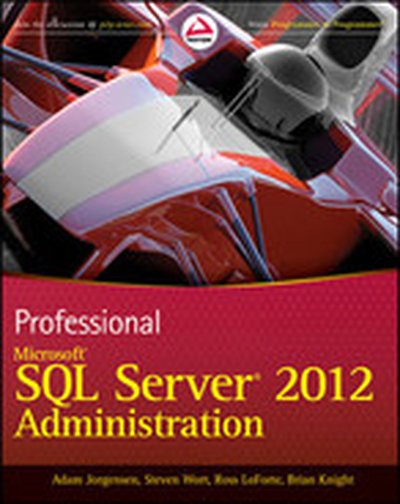
Professional Microsoft SQL Server 2012 Administration

An essential how-to guide for experienced DBAs on the most significant product release since 2005! Microsoft SQL Server 2012 will have major changes throughout the SQL Server and will impact how DBAs administer the database. With this book, a team of well-known SQL Server experts introduces the many new features of the most recent version of SQL Server and deciphers how these changes will affect the methods that administrators have been using for years. Loaded with unique tips, tricks, and workarounds for handling the most difficult SQL Server admin issues, this how-to guide deciphers topics such as performance tuning, backup and recovery, scaling and replication, clustering, and security. Serves as a must-have how-to guide on the new features of the 2012 release of Microsoft SQL Server Walks you through ways to manage and monitor SQL Server and automate administration Guides you through SQL Azure for cloud computing, data replication, and data warehouse performance improvements Addresses client-connectivity enhancements, new features that ensure high availability of mission-critical applications, and tighter integration with Excel and SharePoint for data analysis and reporting Highlights major changes to the suite of SQL Server BI tools, including integration, reporting, and analysis services Includes real-world case examples and best practices from Microsoft insiders If you're a database administrator eager to get started with the newest version of SQL Server, then this book is essential reading.

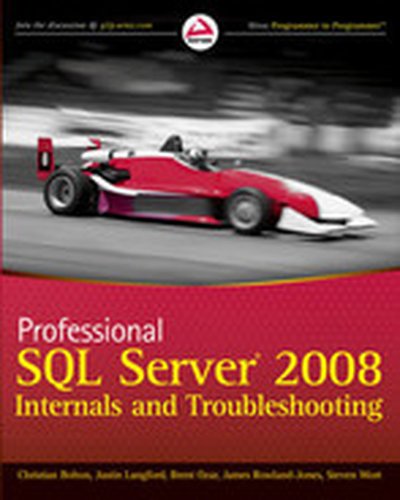
Professional SQL Server® 2008 Internals and Troubleshooting

A hands-on resource for SQL Server 2008 troubleshooting methods and tools SQL Server administrators need to ensure that SQL Server remains running 24/7. Authored by leading SQL Server experts and MVPs, this book provides in-depth coverage of best practices based on a deep understanding of the internals of both SQL Server and the Windows operating system. You'll get a thorough look at the SQL Server database architecture and internals as well as Windows OS internals so that you can approach troubleshooting with a solid grasp of the total processing environment. Armed with this comprehensive understanding, readers will then learn how to use a suite of tools for troubleshooting performance problems whether they originate on the database server or operating system side. Topics Covered: SQL Server Architecture Understanding Memory SQL Server Waits and Extended Events Working with Storage CPU and Query Processing Locking and Latches Knowing Tempdb Defining Your Approach To Troubleshooting Viewing Server Performance with PerfMon and the PAL Tool Tracing SQL Server with SQL Trace and Profiler Consolidating Data Collection with SQLDiag and the PerfStats Script Introducing RML Utilities for Stress Testing and Trace File Analysis Bringing It All Together with SQL Nexus Using Management Studio Reports and the Performance Dashboard Using SQL Server Management Data Warehouse Shortcuts to Efficient Data Collection and Quick Analysis Note: CD-ROM/DVD and other supplementary materials are not included as part of eBook file.

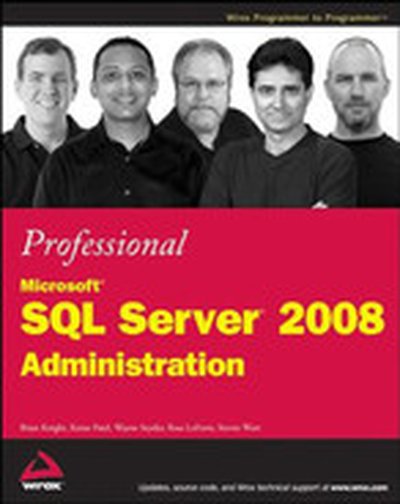
Professional Microsoft® SQL Server® 2008 Administration

SQL Server 2008 represents a sizable jump forward in scalability, performance, and usability for the DBA, developer, and business intelligence (BI) developer. It is no longer unheard of to have 20-terabyte databases running on a SQL Server. SQL Server administration used to just be the job of a database administrator (DBA), but as SQL Server proliferates throughout smaller companies, many developers have begun to act as administrators as well. Additionally, some of the new features in SQL Server are more developer-centric, and poor configuration of these features can result in poor performance. SQL Server now enables you to manage the policies on hundreds of SQL Servers in your environment as if you were managing a single instance. We've provided a comprehensive, tutorial-based book to get you over the learning curve of how to configure and administer SQL Server 2008. Whether you're an administrator or developer using SQL Server, you can't avoid wearing a DBA hat at some point. Developers often have SQL Server on their own workstations and must provide guidance to the administrator about how they'd like the production configured. Oftentimes, they're responsible for creating the database tables and indexes. Administrators or DBAs support the production servers and often inherit the database from the developer. This book is intended for developers, DBAs, and casual users who hope to administer or may already be administering a SQL Server 2008 system and its business intelligence features, such as Integration Services. This book is a professional book, meaning the authors assume that you know the basics about how to query a SQL Server and have some rudimentary concepts of SQL Server already. For example, this book does not show you how to create a database or walk you through the installation of SQL Server using the wizard. Instead, the author of the installation chapter may provide insight into how to use some of the more advanced concepts of the installation. Although this book does not cover how to query a SQL Server database, it does cover how to tune the queries you've already written. The first ten chapters of the book are about administering the various areas of SQL Server, including the developer and business intelligence features. Chapter 1 briefly covers the architecture of SQL Server and the changing role of the DBA. Chapters 2 and 3 dive into best practices on installing and upgrading to SQL Server 2008. Managing your SQL Server database instance is talked about in Chapter 4. This chapter also describes some of the hidden tools you may not even know you have. Once you know how to manage your SQL Server, you can learn in Chapter 5 how to automate many of the redundant monitoring and maintenance tasks. This chapter also discusses best practices on configuring SQL Server Agent. Chapters 6 and 7 cover how to properly administer and automate many tasks inside of the Microsoft business intelligence products, such as Integration Services and Analysis Services. Developers will find that Chapter 8 is very useful, as it covers how to administer the development features, such as SQL CLR. Chapter 9 explains how to secure your SQL Server from many common threats and how to create logins and users. Chapter 10 covers how to create a SQL Server project and do proper change management in promoting your scripts through the various environments. It also covers the Policy-Based Management framework in SQL Server. Chapters 11 through 15 make up the performance tuning part of the book. Chapter 11 discusses how to choose the right hardware configuration for your SQL Server in order to achieve optimal performance. After the hardware and operating system is configured, Chapter 12 shows you how to optimize your SQL Server instance for the best performance. Chapter 13 describes how to monitor your SQL Server instance for problematic issues such as blocking and locking. Chapters 14 and 15 discuss how to optimize the T-SQL that accesses your tables and then how to index your tables appropriately. Chapters 16 through 20 consist of the high-availability chapters of the book. Chapter 16 covers how to use the various forms of replication, while database mirroring is covered in Chapter 17. Classic issues and best practices with backing up and recovering your database are discussed in Chapter 18. Chapter 19 dives deeply into the role of log shipping in your high-availability strategy, and Chapter 20 presents a step-by-step guide to clustering your SQL Server and Windows 2008 server. This edition of the book covers all the same great information we covered in the last book, and we've added loads of new content for SQL Server 2008, which adds numerous new features to improve the DBA's life. In short, the new version of SQL Server focuses on improving your efficiency, the scale of your server, and the performance of your environment, so you can do more in much less time, and with fewer resources and people. This means you can manage many servers at one time using Policy-Based Management, scale your I/O load using compression, and collect valuable information about your environment using data collectors, to name just a few key new features. To follow the examples in this book, you will need to have SQL Server 2008 installed. If you wish to learn how to administer the business intelligence features, you need to have Analysis Services and the Integration Services components installed. You need a machine that can support the minimum hardware requirements to run SQL Server 2008; and you also need the AdventureWorks2008 and AdventureWorksDW2008 databases installed. Instructions for accessing these databases can be found in the ReadMe file on this book's Web site. Some features in this book (especially in the high-availability part) require the Enterprise or Developer Edition of SQL Server. If you do not have this edition, you will still be able to follow through some of the examples in the chapter with Standard Edition.

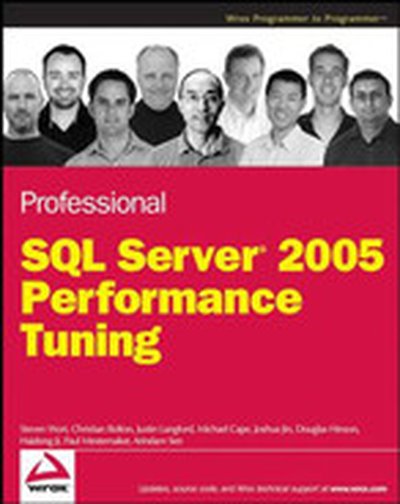
Professional SQL Server® 2005 Performance Tuning

Written by a team of expert SQL users, this comprehensive resource approaches performance tuning from a new perspective by showing you a methodical scientific approach to diagnose performance problems. The book first walks you through how to discover bottlenecks when something is wrong and you'll then learn how to identify and remove the problems that are causing poor performance. You'll discover preventive measures you can take to try to avoid a performance problem entirely and you'll learn how to achieve better performance.

Professional SQL Server™ 2005 Administration

SQL Server 2005 is the largest leap forward for SQL Server since its inception. With this update comes new features that will challenge even the most experienced SQL Server DBAs. Written by a team of some of the best SQL Server experts in the industry, this comprehensive tutorial shows you how to navigate the vastly changed landscape of the SQL Server administration. Drawing on their own first-hand experiences to offer you best practices, unique tips and tricks, and useful workarounds, the authors help you handle even the most difficult SQL Server 2005 administration issues, including blocking and locking. You'll learn how to fine-tune queries you've already written, automate redundant monitoring and maintenance tasks, and use hidden tools so that you can quickly get over the learning curve of how to configure and administer SQL Server 2005. What you will learn from this book How to use some of the more advanced concepts of installation Techniques for properly administering development features such as SQL CLR Ways to secure your SQL Server from common threats How to choose the right hardware configuration Best practices for backing up and recovering your database Step-by-step guidelines for clustering your SQL Server Who this book is for This book is for experienced developers and database administrators who plan to administer or are already administering an SQL Server 2005 system and its business intelligence features. Wrox Professional guides are planned and written by working technologists to meet the real-world needs of programmers, developers, and IT professionals. Focused and relevant, they address the issues technology professionals face every day. They provide examples, practical solutions, and expert education in new technologies, all designed to help programmers do a better job.