In today's data-driven world, the ability to efficiently manage and transform data is crucial for any organization. This presentation will explore the process of converting a complex and messy workflow into a clean and simple Lakeflow Declarative Pipelines at a large integrated health system, Intermountain Health.Alteryx is a powerful tool for data preparation and blending, but as workflows grow in complexity, they can become difficult to manage and maintain. Lakeflow Declarative Pipelines, on the other hand, offers a more democratized, streamlined and scalable approach to data engineering, leveraging the power of Apache Spark and Delta Lake.We will begin by examining a typical legacy workflow, identifying common pain points such as tangled logic, performance bottlenecks and maintenance challenges. Next, we will demonstrate how to translate this workflow into a Lakeflow Declarative Pipelines, highlighting key steps such as data transformation, validation and delivery.
 talk-data.com

Speaker
Peter Jones
4
talks
Peter works as an Analytics Engineer at Intermountain Health and serves as the Databricks account administrator.
Bio from: Data + AI Summit 2025
Filter by Event / Source
Talks & appearances
4 activities · Newest first
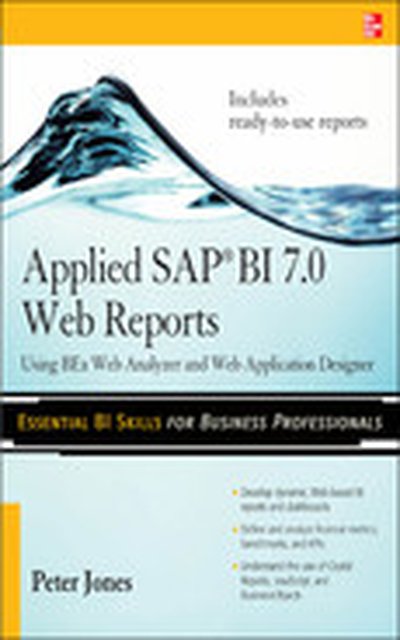
Deliver SAP BI 7.0 Web Reports Distribute integrated, accurate, and timely data across your enterprise using the Web-based reporting components in SAP BI. Written by an SAP insider, Applied SAP BI 7.0 Web Reports: Using BEx Web Analyzer and Web Application Designer shows you how to construct effective queries, create HTML-based reports, and combine key analytics into a dashboard-style interface. Learn how to import data from multiple providers, configure custom templates, track Key Performance Indicators (KPIs), and incorporate JavaScript and XHTML. Security, troubleshooting, and third-party tools are also discussed in this comprehensive guide. Essential BI skills for business professionals: Define queries and export them as links with BEx Web Analyzer Create BI-specific HTML pages using Web Application Designer and Report Designer Construct reusable templates, shortcuts, and Web items Design high-impact BI dashboards, cockpits, and billboards Integrate toolbars,drilldown capabilities, and drag-and-drop features Publish reporting objects with the Broadcaster and Broadcast Wizard Migrate existing systems and reports to the SAP BI 7.0 platform Add BusinessObjects, Crystal Reports, and JavaScript components Peter Jones, MBA, is a principal/platinum business applications consultant with SAP Professional Services Consulting. He has more than 11 years of consulting and educational experience in a variety of strategic and leadership roles. Jones is the author of SAP Business Information Warehouse Reporting.
SAP is the world leader in Enterprise Resource Planning (ERP) software; of the software s modules, the FI (Finance) and CO (Controlling) are by far the most popular and are widely implemented. This book has no competition it is the only book on the market on how to configure and implement SAP s FI and CO modules to maximize functionality and features hands-on, step-by-step instructions and real-world examples that provide immediate and practical solutions. Updated for SAP s ECC 6.0, the book covers FI enterprise structure, general ledger, substitutions and validations, automatic account assignments, accounts payable and receivable, asset accounting, accrual engine, closing entries, credit management, lockbox, CO enterprise structure, profitability analysis (CO-PA), and more.
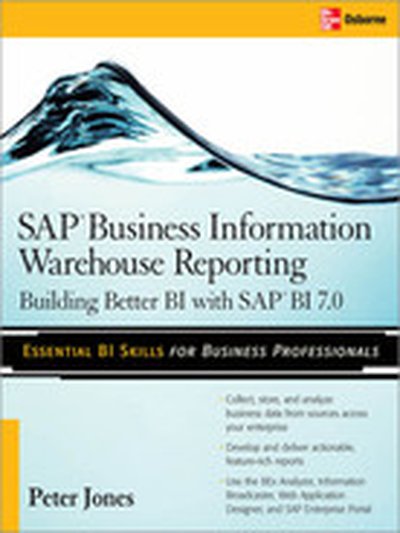
Your Hands-On Guide to SAP Business Information Warehouse Give your company the competitive edge by delivering up-to-date, pertinent business reports to users inside and outside your enterprise. SAP Business Information Warehouse Reporting shows you how to construct Enterprise Data Warehouses, create workbooks and queries, analyze and format results, and supply meaningful reports. Learn how to use the BEx and Web Analyzers, Web Application Designer, Visual Composer, and Information Broadcaster. You will also find out how to forecast future business trends, build enterprise portals and websites, and tune performance. Group data into InfoCubes and DataStore Objects and generate reports using queries and workbooks Work with the BEx Analyzer, Web Analyzer, and Query Designer Build queries and reports using the Business Administration Workbench Add attachments and drill-through using Document Integration and RRI Format and distribute results using Report Designer and Information Broadcaster Extend functionality with Enterprise Portal, Data Modeling, and Visual Composer Deploy charts, maps, diagrams, and unit of measure conversions Predict trends and possible outcomes using SBC and Integrated Planning Generate HTML pages using Enterprise Reporting and Web Application Designer Create BI-based corporate Web and intranet sites using SAP Enterprise Portal