talk-data.com talk-data.com

Topic

KPI

Key Performance Indicator (KPI)

metrics performance_measurement business_analytics

7

tagged

Activity Trend

8 peak/qtr
2020-Q1 2026-Q1

Activities

Showing filtered results

Filtering by: O'Reilly Business Intelligence Books ×
Business Intelligence Tools for Small Companies: A Guide to Free and Low-Cost Solutions

Learn how to transition from Excel-based business intelligence (BI) analysis to enterprise stacks of open-source BI tools. Select and implement the best free and freemium open-source BI tools for your company's needs and design, implement, and integrate BI automation across the full stack using agile methodologies. Business Intelligence Tools for Small Companies provides hands-on demonstrations of open-source tools suitable for the BI requirements of small businesses. The authors draw on their deep experience as BI consultants, developers, and administrators to guide you through the extract-transform-load/data warehousing (ETL/DWH) sequence of extracting data from an enterprise resource planning (ERP) database freely available on the Internet, transforming the data, manipulating them, and loading them into a relational database. The authors demonstrate how to extract, report, and dashboard key performance indicators (KPIs) in a visually appealing format from the relational database management system (RDBMS). They model the selection and implementation of free and freemium tools such as Pentaho Data Integrator and Talend for ELT, Oracle XE and MySQL/MariaDB for RDBMS, and Qliksense, Power BI, and MicroStrategy Desktop for reporting. This richly illustrated guide models the deployment of a small company BI stack on an inexpensive cloud platform such as AWS. What You'll Learn You will learn how to manage, integrate, and automate the processes of BI by selecting and implementing tools to: Implement and manage the business intelligence/data warehousing (BI/DWH) infrastructure Extract data from any enterprise resource planning (ERP) tool Process and integrate BI data using open-source extract-transform-load (ETL) tools Query, report, and analyze BI data using open-source visualization and dashboard tools Use a MOLAP tool to define next year's budget, integrating real data with target scenarios Deploy BI solutions and big data experiments inexpensively on cloud platforms Who This Book Is For Engineers, DBAs, analysts, consultants, and managers at small companies with limited resources but whose BI requirements have outgrown the limitations of Excel spreadsheets; personnel in mid-sized companies with established BI systems who are exploring technological updates and more cost-efficient solutions
Delivering Business Intelligence with Microsoft SQL Server 2016, Fourth Edition, 4th Edition

Distribute Actionable, Timely BI with Microsoft® SQL Server® 2016 and Power BI Drive better, faster, more informed decision making across your organization using the expert tips and best practices featured in this hands-on guide. Delivering Business Intelligence with Microsoft SQL Server 2016, Fourth Edition, shows, step-by-step, how to distribute high-performance, custom analytics to users enterprise-wide. Discover how to build BI Semantic Models, create data marts and OLAP cubes, write MDX and DAX scripts, and share insights using Microsoft client tools. The book includes coverage of self-service business intelligence with Power BI. • Understand the goals and components of successful BI • Build data marts, OLAP cubes, and Tabular models • Load and cleanse data with SQL Server Integration Services • Manipulate and analyze data using MDX and DAX scripts and queries • Work with SQL Server Analysis Services and the BI Semantic Model • Author interactive reports using SQL Server Data Tools • Create KPIs and digital dashboards • Implement time-based analytics • Embed data model content in custom applications using ADOMD.NET • Use Power BI to gather, model, and visualize data in a self-service environment

Oracle Business Intelligence 11g Developers Guide

Master Oracle Business Intelligence 11 g Reports and Dashboards Deliver meaningful business information to users anytime, anywhere, on any device, using Oracle Business Intelligence 11g. Written by Oracle ACE Director Mark Rittman, Oracle Business Intelligence 11g Developers Guide fully covers the latest BI report design and distribution techniques. Find out how to execute effective queries, build accurate models, use scorecards and KPIs, create dynamic reports, set up dashboards, and publish to smartphones and wireless devices. This Oracle Press guide contains comprehensive details on Oracle Exalytics In-Memory Machine, the best-in-class, preintegrated BI platform. Install or upgrade to Oracle Business Intelligence 11g Develop and manage custom Oracle Business Intelligence repositories Access relational, file, and multidimensional data sources Design print-quality reports with Oracle Business Intelligence Publisher Create web-enabled analyses, dashboards, and visualizations Integrate with other applications using Oracle Business Intelligence 11g Action Framework Employ authentication, authorization, and row-level security Configure and deploy Oracle Exalytics In-Memory Machine

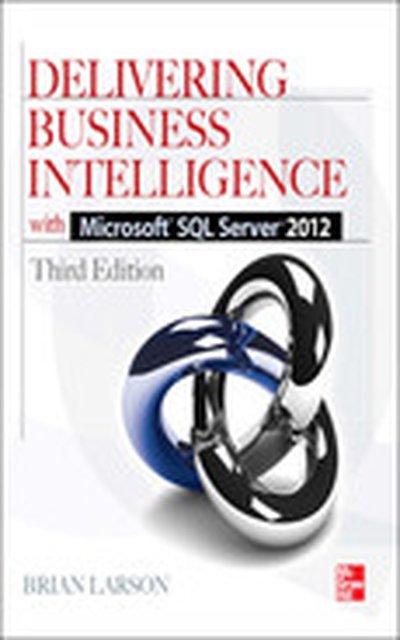
Delivering Business Intelligence with Microsoft SQL Server 2012 3/E, 3rd Edition

Implement a Robust BI Solution with Microsoft SQL Server 2012 Equip your organization for informed, timely decision making using the expert tips and best practices in this practical guide. Delivering Business Intelligence with Microsoft SQL Server 2012, Third Edition explains how to effectively develop, customize, and distribute meaningful information to users enterprise-wide. Learn how to build data marts and create BI Semantic Models, work with the MDX and DAX languages, and share insights using Microsoft client tools. Data mining and forecasting are also covered in this comprehensive resource. Understand the goals and components of successful BI Design, deploy, and manage data marts and OLAP cubes Load and cleanse data with SQL Server Integration Services Manipulate and analyze data using MDX and DAX scripts and queries Work with SQL Server Analysis Services and the BI Semantic Model Author interactive reports using SQL Server Data Tools Create KPIs and digital dashboards Use data mining to identify patterns, correlations, and clusters Implement time-based analytics Embed BI reports in custom applications using ADOMD.NET

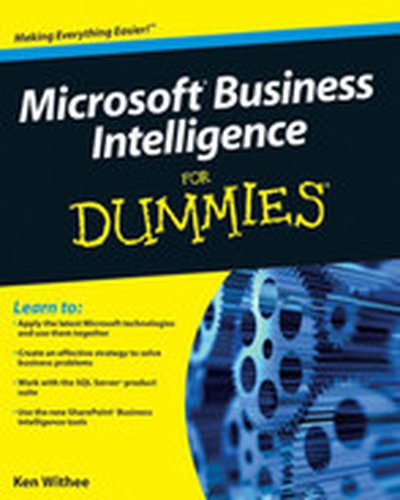
Microsoft® Business Intelligence For Dummies®

Learn to create an effective business strategy using Microsoft's BI stack Microsoft Business Intelligence tools are among the most widely used applications for gathering, providing access to, and analyzing data to enable the enterprise to make sound business decisions. The tools include SharePoint Server, the Office Suite, PerformancePoint Server, and SQL Server, among others. With so much jargon and so many technologies involved, Microsoft Business Intelligence For Dummies provides a much-needed step-by-step explanation of what's involved and how to use this powerful package to improve your business. Microsoft Business Intelligence encompasses a broad collection of tools designed to help business owners and managers direct the enterprise effectively This guide provides an overview of SharePoint, PerformancePoint, the SQL Server suite, Microsoft Office, and the BI development technologies Explains how the various technologies work together to solve functional problems Translates the buzzwords and shows you how to create your business strategy Examines related technologies including data warehousing, data marts, Online Analytical Processing (OLAP), data mining, reporting, dashboards, and Key Performance Indicators (KPIs) Simplifies this complex package to get you up and running quickly Microsoft Business Intelligence For Dummies demystifies these essential tools for enterprise managers, business analysts, and others who need to get up to speed.

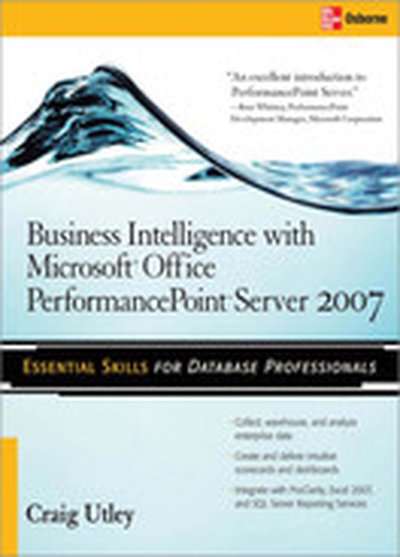
Business Intelligence with Microsoft® Office PerformancePoint™ Server 2007

Deliver BI Solutions with Microsoft Office PerformancePoint Server 2007 Maximize the powerful BI tools available in PerformancePoint 2007 with help from this practical guide. You will learn how to collect and store data, monitor progress, analyze performance, distribute dynamic reports, and create maintainable projects and forecasts. Business Intelligence with Microsoft Office PerformancePoint Server 2007 provides full details on creating scorecards and dashboards, performing advanced analysis on data, and setting up business plans. You will also learn how to integrate PerformancePoint with ProClarity, Excel 2007, and SQL Server Reporting Services. Configure, deploy, and secure all the PerformancePoint components Create KPIs, scorecards, reports, and dashboards with the Dashboard Designer Create business models with the Planning Business Modeler and create budgets and forecasts with Excel 2007 Enable advanced data analysis with PerformancePoint Server and ProClarity tools Take advantage of the enhanced analytic capabilities of Excel 2007 Use SQL Server Reporting Services for analytics Align performance with organizational objectives

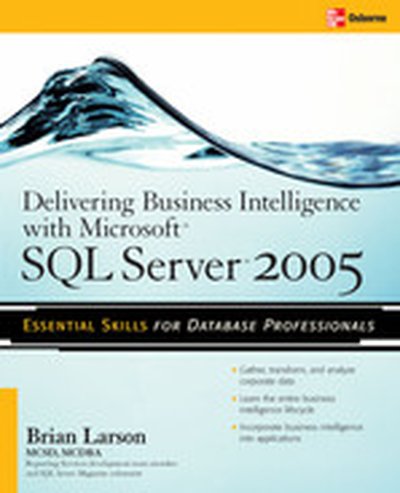
Delivering Business Intelligence with Microsoft SQL Server 2005

Transform disparate enterprise data into actionable business intelligence Put timely, mission-critical information in the hands of employees across your organization using Microsoft SQL Server 2005 and the comprehensive information in this unique resource. Delivering Business Intelligence with Microsoft SQL Server 2005 shows you, step-by-step, how to author, customize, and distribute information that will give your company the competitive edge. It's all right here--from data mining, warehousing, and scripting techniques to MDX queries, KPI analysis, and the all-new Unified Dimensional Model. Real-world examples, start-to-finish exercises, and downloadable code throughout illustrate all of the integration, analysis, and reporting capabilities of SQL Server 2005.