talk-data.com talk-data.com

Topic

ETL/ELT

ETL/ELT

data_integration data_transformation data_loading

6

tagged

Activity Trend

40 peak/qtr
2020-Q1 2026-Q1

Activities

Showing filtered results

Filtering by: Andy Leonard ×
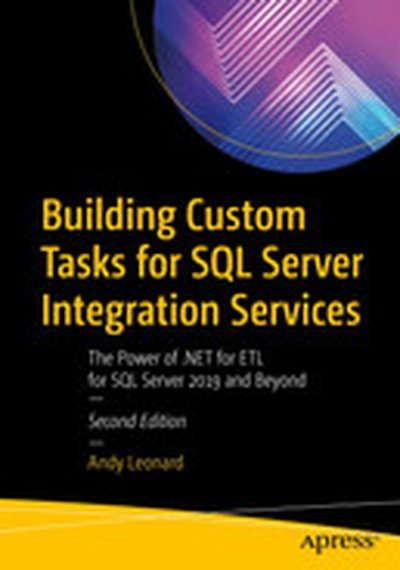
Building Custom Tasks for SQL Server Integration Services: The Power of .NET for ETL for SQL Server 2019 and Beyond

Build custom SQL Server Integration Services (SSIS) tasks using Visual Studio Community Edition and C#. Bring all the power of Microsoft .NET to bear on your data integration and ETL processes, and for no added cost over what you’ve already spent on licensing SQL Server. New in this edition is a demonstration deploying a custom SSIS task to the Azure Data Factory (ADF) Azure-SSIS Integration Runtime (IR). All examples in this new edition are implemented in C#. Custom task developers are shown how to implement custom tasks using the widely accepted and default language for .NET development. Why are custom components necessary? Because even though the SSIS catalog of built-in tasks and components is a marvel of engineering, gaps remain in the available functionality. One such gap is a constraint of the built-in SSIS Execute Package Task, which does not allow SSIS developers to select SSIS packages from other projects in the SSIS Catalog. Examples in this bookshow how to create a custom Execute Catalog Package task that allows SSIS developers to execute tasks from other projects in the SSIS Catalog. Building on the examples and patterns in this book, SSIS developers may create any task to which they aspire, custom tailored to their specific data integration and ETL needs. What You Will Learn Configure and execute Visual Studio in the way that best supports SSIS task development Create a class library as the basis for an SSIS task, and reference the needed SSIS assemblies Properly sign assemblies that you create in order to invoke them from your task Implement source code control via Azure DevOps, or your own favorite tool set Troubleshoot and execute custom tasks as part of your own projects Create deployment projects (MSIs) for distributing code-complete tasks Deploy custom tasks to Azure Data Factory Azure-SSIS IRs in the cloud Create advanced editors for custom task parameters Who This Book Is For For database administrators and developers who are involved in ETL projects built around SQL Server Integration Services (SSIS). Readers do not need a background in software development with C#. Most important is a desire to optimize ETL efforts by creating custom-tailored tasks for execution in SSIS packages, on-premises or in ADF Azure-SSIS IRs.
SQL Server Data Automation Through Frameworks: Building Metadata-Driven Frameworks with T-SQL, SSIS, and Azure Data Factory

Learn to automate SQL Server operations using frameworks built from metadata-driven stored procedures and SQL Server Integration Services (SSIS). Bring all the power of Transact-SQL (T-SQL) and Microsoft .NET to bear on your repetitive data, data integration, and ETL processes. Do this for no added cost over what you’ve already spent on licensing SQL Server. The tools and methods from this book may be applied to on-premises and Azure SQL Server instances. The SSIS framework from this book works in Azure Data Factory (ADF) and provides DevOps personnel the ability to execute child packages outside a project—functionality not natively available in SSIS. Frameworks not only reduce the time required to deliver enterprise functionality, but can also accelerate troubleshooting and problem resolution. You'll learn in this book how frameworks also improve code quality by using metadata to drive processes. Much of the work performed by data professionals can be classified as “drudge work”—tasks that are repetitive and template-based. The frameworks-based approach shown in this book helps you to avoid that drudgery by turning repetitive tasks into "one and done" operations. Frameworks as described in this book also support enterprise DevOps with built-in logging functionality. What You Will Learn Create a stored procedure framework to automate SQL process execution Base your framework on a working system of stored procedures and execution logging Create an SSIS framework to reduce the complexity of executing multiple SSIS packages Deploy stored procedure and SSIS frameworks to Azure Data Factory environments in the cloud Who This Book Is For Database administrators and developers who are involved in enterprise data projects built around stored procedures and SQL Server Integration Services (SSIS). Readersshould have a background in programming along with a desire to optimize their data efforts by implementing repeatable processes that support enterprise DevOps.

Building Custom Tasks for SQL Server Integration Services

Learn to build custom SSIS tasks using Visual Studio Community Edition and Visual Basic. Bring all the power of Microsoft .NET to bear on your data integration and ETL processes, and for no added cost over what you’ve already spent on licensing SQL Server. If you already have a license for SQL Server, then you do not need to spend more money to extend SSIS with custom tasks and components. Why are custom components necessary? Because even though the SSIS catalog of built-in tasks and components is a marvel of engineering, there do remain gaps in the functionality that is provided. These gaps are especially relevant to enterprises practicing Data Integration Lifecycle Management (DILMS) and/or DevOps. One of the gaps is a limitation of the SSIS Execute Package task. Developers using the stock version of that task are unable to select SSIS packages from other projects. Yet it’s useful to be able to select and execute tasks across projects, and the example used throughout this book will help you to create an Execute Catalog Package task that does in fact allow you to execute a task from another project. Building on the example’s pattern, you can create any task that you like, custom tailored to your specific, data integration and ETL needs. What You Will Learn Configure and execute Visual Studio in the way that best supports SSIS task development Create a class library as the basis for an SSIS task, and reference the needed SSIS assemblies Properly sign assemblies that you create in order to invoke them from your task Implement source code control via Visual Studio Team Services, or your own favorite tool set Code not only your tasks themselves, but also the associated task editors Troubleshoot and then execute your custom tasks as part of your own project Who This Book Is For Database administrators and developers who are involved in ETL projects built around SQL Server Integration Services (SSIS). Readers should have a background in programming along with a desire to optimize their ETL efforts by creating custom-tailored tasks for execution from SSIS packages.

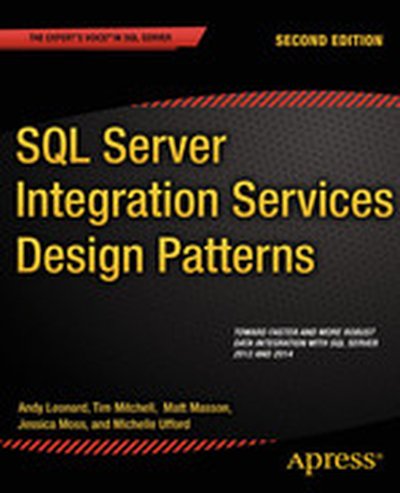
SQL Server Integration Services Design Patterns, Second Edition

SQL Server Integration Services Design Patterns is newly-revised for SQL Server 2014, and is a book of recipes for SQL Server Integration Services (SSIS). Design patterns in the book help to solve common problems encountered when developing data integration solutions. The patterns and solution examples in the book increase your efficiency as an SSIS developer, because you do not have to design and code from scratch with each new problem you face. The book's team of expert authors take you through numerous design patterns that you'll soon be using every day, providing the thought process and technical details needed to support their solutions. SQL Server Integration Services Design Patterns goes beyond the surface of the immediate problems to be solved, delving into why particular problems should be solved in certain ways. You'll learn more about SSIS as a result, and you'll learn by practical example. Where appropriate, the book provides examples of alternative patterns and discusses when and where they should be used. Highlights of the book include sections on ETL Instrumentation, SSIS Frameworks, Business Intelligence Markup Language, and Dependency Services. Takes you through solutions to common data integration challenges Provides examples involving Business Intelligence Markup Language Teaches SSIS using practical examples

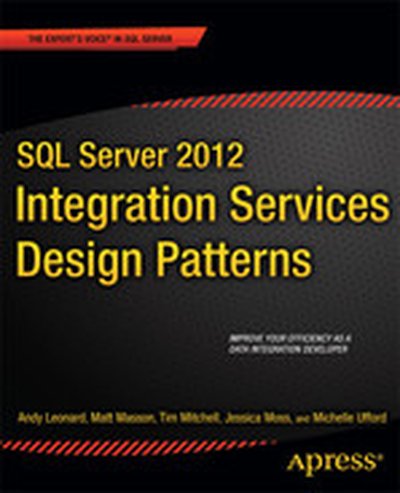
SQL Server 2012 Integration Services Design Patterns

SQL Server 2012 Integration Services Design Patterns is a book of recipes for SQL Server Integration Services (SSIS). Design patterns in the book show how to solve common problems encountered when developing data integration solutions. Because you do not have to build the code from scratch each time, using design patterns improves your efficiency as an SSIS developer. In SSIS Design Patterns, we take you through several of these snippets in detail, providing the technical details of the resolution. SQL Server 2012 Integration Services Design Patterns does not focus on the problems to be solved; instead, the book delves into why particular problems should be solved in certain ways. You'll learn more about SSIS as a result, and you'll learn by practical example. Where appropriate, SQL Server 2012 Integration Services Design Patterns provides examples of alternative patterns and discusses when and where they should be used. Highlights of the book include sections on ETL Instrumentation, SSIS Frameworks, and Dependency Services. Takes you through solutions to several common data integration challenges Demonstrates new features in SQL Server 2012 Integration Services Teaches SSIS using practical examples What you'll learn Load data from flat file formats Explore patterns for executing SSIS packages Discover a pattern for loading XML data Migrate SSIS packages through your application lifecycle without editing connections Take advantage of SSIS 2012 Dependency Services Build an SSIS Framework to support your application needs Who this book is for SQL Server 2012 Integration Services Design Patterns is for the data integration developer who is ready to take their SQL Server Integration Services (SSIS) skills to a more efficient level. It's for the developer interested in locating a previously-tested solution quickly. SQL Server 2012 Integration Services Design Patterns is a great book for ETL (extract, transform, and load) specialists and those seeking practical uses for new features in SQL Server 2012 Integration Services. It's an excellent choice for business intelligence and data warehouse developers.

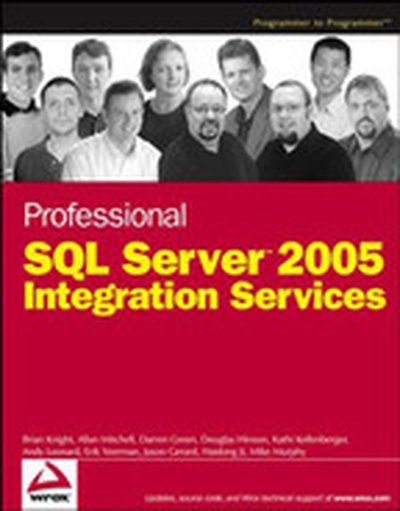
Professional SQL Server™ 2005 Integration Services

This book will help you get past the initial learning curve quickly so that you can get started using SSIS to transform data, create a workflow, or maintain your SQL Server. Offering you hands-on guidance, you'll learn a new world of integration possibilities and be able to move away from scripting complex logic to programming tasks using a full-featured language. What you will learn from this book Ways to quickly move and transform data How to configure every aspect of SSIS How to interface SSIS with web services and XML Techniques to scale the SSIS and make it more reliable How to migrate DTS packages to SSIS How to create your own custom tasks and user interfaces How to create an application that interfaces with SSIS to manage the environment A detailed usable case study for a complete ETL solution Who this book is for This book is for developers, DBAs, and users who are looking to program custom code in all of the .NET languages. It is expected that you know the basics of how to query the SQL Server and have some fundamental programming skills. Wrox Professional guides are planned and written by working programmers to meet the real-world needs of programmers, developers, and IT professionals. Focused and relevant, they address the issues technology professionals face every day. They provide examples, practical solutions, and expert education in new technologies, all designed to help programmers do a better job.