talk-data.com talk-data.com

Topic

VBA

Visual Basic for Applications (VBA)

programming_language microsoft office_automation

6

tagged

Activity Trend

1 peak/qtr
2020-Q1 2026-Q1

Activities

Showing filtered results

Filtering by: O'Reilly Data Science Books ×
Dashboards for Excel

The book takes a hands-on approach to developing dashboards, from instructing users on advanced Excel techniques to addressing dashboard pitfalls common in the real world. Dashboards for Excel is your key to creating informative, actionable, and interactive dashboards and decision support systems. Throughout the book, the reader is challenged to think about Excel and data analytics differently—that is, to think outside the cell. This book shows you how to create dashboards in Excel quickly and effectively. In this book, you learn how to: Apply data visualization principles for more effective dashboards Employ dynamic charts and tables to create dashboards that are constantly up-to-date and providing fresh information Use understated yet powerful formulas for Excel development Apply advanced Excel techniques mixing formulas and Visual Basic for Applications (VBA) to create interactive dashboards Create dynamic systems for decision support in your organization Avoid common problems in Excel development and dashboard creation Get started with the Excel data model, PowerPivot, and Power Query
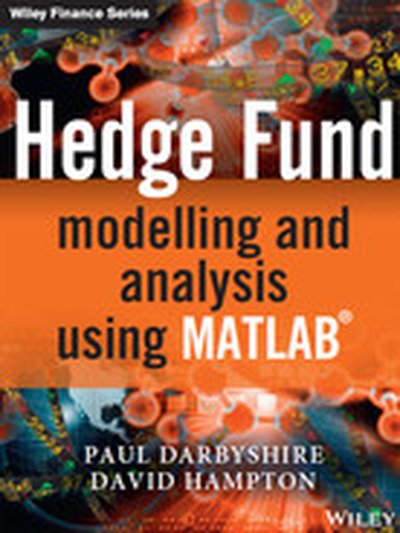
Hedge Fund Modelling and Analysis using MATLAB

The second book in Darbyshire and Hampton's Hedge Fund Modelling and Analysis series, Hedge Fund Modelling and Analysis Using MATLAB® takes advantage of the huge library of built-in functions and suite of financial and analytic packages available to MATLAB®. This allows for a more detailed analysis of some of the more computationally intensive and advanced topics, such as hedge fund classification, performance measurement and mean-variance optimisation. Darbyshire and Hampton's first book in the series, Hedge Fund Modelling and Analysis Using Excel & and VBA, is seen as a valuable supplementary text to this book. Starting with an overview of the hedge fund industry the book then looks at a variety of commercially available hedge fund data sources. After covering key statistical techniques and methods, the book discusses mean-variance optimisation, hedge fund classification and performance with an emphasis on risk-adjusted return metrics. Finally, common hedge fund market risk management techniques, such as traditional Value-at-Risk methods, modified extensions and expected shortfall are covered. The book's dedicated website, www.darbyshirehampton.com provides free downloads of all the data and MATLAB® source code, as well as other useful resources. Hedge Fund Modelling and Analysis Using MATLAB® serves as a definitive introductory guide to hedge fund modelling and analysis and will provide investors, industry practitioners and students alike with a useful range of tools and techniques for analysing and estimating alpha and beta sources of return, performing manager ranking and market risk management.

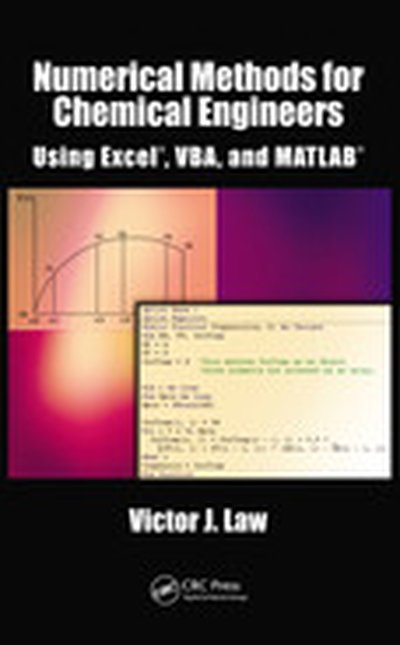
Numerical Methods for Chemical Engineers Using Excel, VBA, and MATLAB

Since many practical engineering problems must be solved numerically, this text provides instruction on using numerical methods and Excel/VBA for chemical and biomolecular engineering problems, covering a broad range of application areas. It also includes an introduction to MATLAB that is made easier to learn after studying the programming tools in previous chapters. Each chapter contains examples that show in detail how a particular numerical method or programming methodology can be implemented. The chapters also contain end-of-chapter exercises, with solutions provided.

Excel® 2007 PivotTables and PivotCharts

Though many consumers know the basics of using Excel, few users understand the powerful capabilities of the PivotTable and PivotChart features. These tools can help turn long lists of unreadable data into dynamically generated, easy-to-read tables and charts that highlight useful and pertinent business information. Companies rely on this type of data from marketing, accounting, and finance to help make better decisions about products, sales and even human resources. Charts are interactive, allowing the consumer to tweak results with the click of a mouse and PivotTables allow you to fuse data from several sources into one document. This book shows users how to work with PivotTables and PivotCharts to make sense of their data. It covers features such as: understanding PivotTable benefits and uses; creating and customizing PivotTables; using PivotTables to analyze business data; building custom calculations; linking to external data sources, including Access databases, Word tables, Web pages, XML data, SQL Server databases, and OLAP cubes; publishing PivotTables to the Web; multiple consolidation of data, for example, summarizing annual fiscal data by quarters; preparing financial reporting, budgeting, and data analysis across departments; and using VBA to create macros that automate frequently used PivotTable tasks.

Visualizing Information with Microsoft® Office Visio® 2007

Create and distribute data-connected Microsoft Office Visio diagrams and reports Get full details on the powerful features of Microsoft Office Visio 2007 inside this comprehensive volume. Written by Visio expert David Parker, Visualizing Information with Microsoft Office Visio 2007 demonstrates how to effectively visualize, explore, and communicate complex business information. Learn to use PivotDiagrams, Data Graphics, and Smart Tags, as well as link data to shapes and create meaningful Visio documents and reports. Plus, you'll get vital security information, time-saving tips, troubleshooting techniques, and downloadable macros and code samples. Essential Skills for Database Users and Professionals Create shapes and link them to data Summarize and analyze information using PivotDiagrams Use Data Graphics, Smart Tags, and SmartShapes to reinforce information Generate robust Excel, HTML, and XML reports Create custom, reusable templates, stencils, and masters Update and enhance diagrams with Reviewer's comments and markups Integrate Visio diagrams with other Windows applications Publish and securely distribute Visio documents and summaries Extend functionality using VBA macros, add-ins, and wrapper applications

Professional Development with Visio® 2000

Professional Development with Visio 2000 empowers you to create your own Visio solutions quickly and easily. Using client-proven methods, and the success of his training seminars worldwide, Visio insider David Edson provides you with an understanding of the Visio development platform, and guides you through the use of Visual Basic for Applications (VBA), enabling you to create your own Visio solutions. You will benefit from David's expert knowledge of topics including understanding Visio solutions, working with SmartShapes, customizing ShapeSheets, Visio VBA automation, Generating Visio Drawings with ActiveX Automation, and much more.