talk-data.com talk-data.com

Topic

Tableau

data_visualization bi analytics

9

tagged

Activity Trend

11 peak/qtr
2020-Q1 2026-Q1

Activities

Showing filtered results

Filtering by: O'Reilly Data Visualization Books ×
Data Analytics & Visualization All-in-One For Dummies

Install data analytics into your brain with this comprehensive introduction Data Analytics & Visualization All-in-One For Dummies collects the essential information on mining, organizing, and communicating data, all in one place. Clocking in at around 850 pages, this tome of a reference delivers eight books in one, so you can build a solid foundation of knowledge in data wrangling. Data analytics professionals are highly sought after these days, and this book will put you on the path to becoming one. You’ll learn all about sources of data like data lakes, and you’ll discover how to extract data using tools like Microsoft Power BI, organize the data in Microsoft Excel, and visually present the data in a way that makes sense using a Tableau. You’ll even get an intro to the Python, R, and SQL coding needed to take your data skills to a new level. With this Dummies guide, you’ll be well on your way to becoming a priceless data jockey. Mine data from data sources Organize and analyze data Use data to tell a story with Tableau Expand your know-how with Python and R New and novice data analysts will love this All-in-One reference on how to make sense of data. Get ready to watch as your career in data takes off.

The Big Picture: How to Use Data Visualization to Make Better Decisions—Faster

Not a data expert? Here’s an engaging and entertaining guide to interpreting and drawing insights from any chart, graph, or other data visualization you’ll encounter. You’re a business professional, not a data scientist. How do you make heads or tails of the data visualizations that come across your desk—let alone make critical business decisions based on the information they’re designed to convey? In The Big Picture, top data visualization consultant Steve Wexler provides the tools for developing the graphical literacy you need to understand the data visualizations that are flooding your inbox—and put that data to use. Packed with the best four-color examples created in Excel, Tableau, Power BI, and Qlik, among others, this one-stop resource empowers you to extract the most important information from data visualizations quickly and accurately, act on key insights, solve problems, and make the right decisions for your organization every time.

Hands-On Data Visualization

Tell your story and show it with data, using free and easy-to-learn tools on the web. This introductory book teaches you how to design interactive charts and customized maps for your website, beginning with simple drag-and-drop tools such as Google Sheets, Datawrapper, and Tableau Public. You'll also gradually learn how to edit open source code templates like Chart.js, Highcharts, and Leaflet on GitHub. Hands-On Data Visualization takes you step-by-step through tutorials, real-world examples, and online resources. This practical guide is ideal for students, nonprofit organizations, small business owners, local governments, journalists, academics, and anyone who wants to take data out of spreadsheets and turn it into lively interactive stories. No coding experience is required. Build interactive charts and maps and embed them in your website Understand the principles for designing effective charts and maps Learn key data visualization concepts to help you choose the right tools Convert and transform tabular and spatial data to tell your data story Edit and host Chart.js, Highcharts, and Leaflet map code templates on GitHub Learn how to detect bias in charts and maps produced by others

Visual Data Storytelling with Tableau, First edition

Tell Insightful, Actionable Business Stories with Tableau, the World’s Leading Data Visualization Tool! Visual Data Storytelling with Tableau brings together knowledge, context, and hands-on skills for telling powerful, actionable data stories with Tableau. This full-color guide shows how to organize data and structure analysis with storytelling in mind, embrace exploration and visual discovery, and articulate findings with rich data, carefully curated visualizations, and skillfully crafted narrative. You don’t need any visualization experience. Each chapter illuminates key aspects of design practice and data visualization, and guides you step-by-step through applying them in Tableau. Through realistic examples and classroom-tested exercises, Professor Lindy Ryan helps you use Tableau to analyze data, visualize it, and help people connect more intuitively and emotionally with it. Whether you’re an analyst, executive, student, instructor, or journalist, you won’t just master the tools: you’ll learn to craft data stories that make an immediate impact--and inspire action. Learn how to: Craft more powerful stories by blending data science, genre, and visual design Ask the right questions upfront to plan data collection and analysis Build storyboards and choose charts based on your message and audience Direct audience attention to the points that matter most Showcase your data stories in high-impact presentations Integrate Tableau storytelling throughout your business communication Explore case studies that show what to do--and what not to do Discover visualization best practices, tricks, and hacks you can use with any tool Includes coverage up through Tableau 10

Big Data Visualization

Dive into 'Big Data Visualization' and uncover how to tackle the challenges of visualizing vast quantities of complex data. With a focus on scalable and dynamic techniques, this guide explores the nuances of effective data analysis. You'll master tools and approaches to display, interpret, and communicate data in impactful ways. What this Book will help me do Understand the fundamentals of big data visualization, including unique challenges and solutions. Explore practical techniques for using D3 and Python to visualize and detect anomalies in big data. Learn to leverage dashboards like Tableau to present data insights effectively. Address and improve data quality issues to enhance analysis accuracy. Gain hands-on experience with real-world use cases for tools such as Hadoop and Splunk. Author(s) James D. Miller is an IBM-certified expert specializing in data analytics and visualization. With years of experience handling massive datasets and extracting actionable insights, he is dedicated to sharing his expertise. His practical approach is evident in how he combines tool mastery with a clear understanding of data complexities. Who is it for? This book is designed for data analysts, data scientists, and others involved in interpreting and presenting big datasets. Whether you are a beginner looking to understand big data visualization or an experienced professional seeking advanced tools and techniques, this guide suits your needs perfectly. A foundational knowledge in programming languages like R and big data platforms such as Hadoop is recommended to maximize your learning.

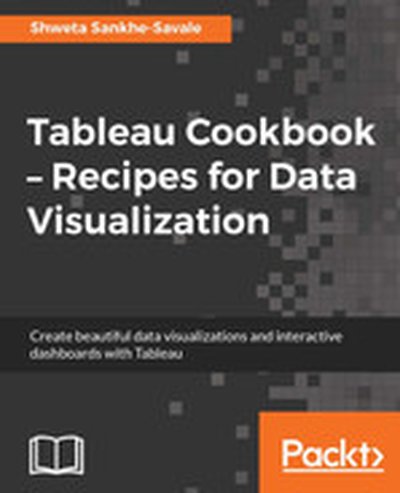
Tableau Cookbook - Recipes for Data Visualization

"Tableau Cookbook - Recipes for Data Visualization" walks you through the features and tools of Tableau, one of the industry-leading platforms for building data visualizations. Using over 50 hands-on recipes, you'll learn to create professional dashboards and storyboards to effectively present data trends and patterns. What this Book will help me do Understand the Tableau interface and connect it to various data sources. Build basic and advanced charts, from bar graphs to histograms and maps. Design interactive dashboards that link multiple visual components. Utilize parameters and calculations for advanced data visualizations. Integrate multiple data sources and leverage Tableau's data blending features. Author(s) Shweta Savale brings years of experience in data visualization and analytics to her writing of this cookbook. As a Tableau expert, Shweta has taught and consulted with professionals across industries, empowering them to gain insights from data. Her step-by-step instructional style makes learning both engaging and approachable. Who is it for? This book caters to both beginners looking to learn Tableau from scratch and advanced users needing a quick reference guide. It's perfect for data professionals, analysts, and anyone seeking to visualize and interpret data effectively. If you're looking to simplify Tableau's functions or sharpen your visualization skills, this book is for you.

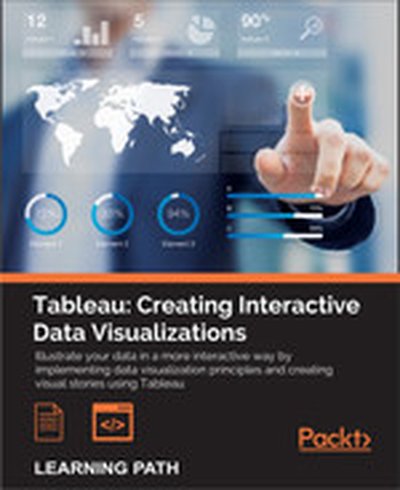
Tableau: Creating Interactive Data Visualizations

Illustrate your data in a more interactive way by implementing data visualization principles and creating visual stories using Tableau About This Book Use data visualization principles to help you to design dashboards that enlighten and support business decisions Integrate your data to provide mashed-up dashboards Connect to various data sources and understand what data is appropriate for Tableau Public Understand chart types and when to use specific chart types with different types of data Who This Book Is For Data scientists who have just started using Tableau and want to build on the skills using practical examples. Familiarity with previous versions of Tableau will be helpful, but not necessary. What You Will Learn Customize your designs to meet the needs of your business using Tableau Use Tableau to prototype, develop, and deploy the final dashboard Create filled maps and use any shape file Discover features of Tableau Public, from basic to advanced Build geographic maps to bring context to data Create filters and actions to allow greater interactivity to Tableau Public visualizations and dashboards Publish and embed Tableau visualizations and dashboards in articles In Detail With increasing interest for data visualization in the media, businesses are looking to create effective dashboards that engage as well as communicate the truth of data. Tableau makes data accessible to everyone, and is a great way of sharing enterprise dashboards across the business. Tableau is a revolutionary toolkit that lets you simply and effectively create high-quality data visualizations. This course starts with making you familiar with its features and enable you to develop and enhance your dashboard skills, starting with an overview of what dashboard is, followed by how you can collect data using various mathematical formulas. Next, you'll learn to filter and group data, as well as how to use various functions to present the data in an appealing and accurate way. In the first module, you will learn how to use the key advanced string functions to play with data and images. You will be walked through the various features of Tableau including dual axes, scatterplot matrices, heat maps, and sizing.In the second module, you'll start with getting your data into Tableau, move onto generating progressively complex graphics, and end with the finishing touches and packaging your work for distribution. This module is filled with practical examples to help you create filled maps, use custom markers, add slider selectors, and create dashboards. You will learn how to manipulate data in various ways by applying various filters, logic, and calculating various aggregate measures. Finally, in the third module, you learn about Tableau Public using which allows readers to explore data associations in multiple-sourced public data, and uses state-of-the-art dashboard and chart graphics to immerse the users in an interactive experience. In this module, the readers can quickly gain confidence in understanding and expanding their visualization, creation knowledge, and quickly create interesting, interactive data visualizations to bring a richness and vibrancy to complex articles. The course provides a great overview for beginner to intermediate Tableau users, and covers the creation of data visualizations of varying complexities. Style and approach The approach will be a combined perspective, wherein we start by performing some basic recipes and move on to some advanced ones. Finally, we perform some advanced analytics and create appealing and insightful data stories using Tableau Public in a step-by-step manner.

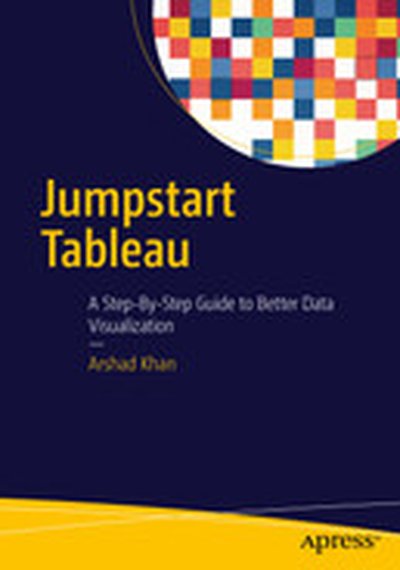
Jumpstart Tableau: A Step-By-Step Guide to Better Data Visualization

This book simplifies the use of Tableau software functionality for novice users so that they can create powerful data visualizations easily and quickly. Since it is often very difficult and expensive to provide external training on BI tools, this book aims to equip the reader with the resource they need to do it themselves. Jumpstart Tableau covers the basic reporting and analysis functions that most BI users perform in their day-to-day work. These include connecting to a data source, working with dimensions and measures, developing reports and charts, saving workbooks, filtering, swapping, sorting, formatting, grouping, creating hierarchies, forecasting, exporting, distributing, as well developing various chart types. Each exercise in Jumpstart Tableau provides screenshots that cover every step from start to finish. The exercises are based on a comprehensive sample Excel-based data source that Tableau Software (version 9) has provided, which makes it very easy to duplicate the exercises on the real software. In addition, the book: Enables readers to develop reports, queries, and visualizations Perform data analysis Execute each function in a step-by-step manner Provides the basic hands-on ability which can enable users to work up to more advanced and complex Tableau functionality Shows how to integrate individual development of content, such as tables/charts and visualizations., onto a dashboard for an effective presentation

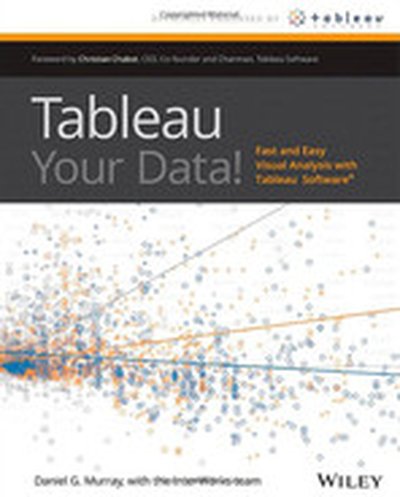
Tableau Your Data!: Fast and Easy Visual Analysis with Tableau Software

Best practices and step-by-step instructions for using the Tableau Software toolset Although the Tableau Desktop interface is relatively intuitive, this book goes beyond the simple mechanics of the interface to show best practices for creating effective visualizations for specific business intelligence objectives. It illustrates little-known features and techniques for getting the most from the Tableau toolset, supporting the needs of the business analysts who use the product as well as the data and IT managers who support it. This comprehensive guide covers the core feature set for data analytics, illustrating best practices for creating and sharing specific types of dynamic data visualizations. Featuring a helpful full-color layout, the book covers analyzing data with Tableau Desktop, sharing information with Tableau Server, understanding Tableau functions and calculations, and Use Cases for Tableau Software. Includes little-known, as well as more advanced features and techniques, using detailed, real-world case studies that the author has developed as part of his consulting and training practice Explains why and how Tableau differs from traditional business information analysis tools Shows you how to deploy dashboards and visualizations throughout the enterprise Provides a detailed reference resource that is aimed at users of all skill levels Depicts ways to leverage Tableau across the value chain in the enterprise through case studies that target common business requirements Endorsed by Tableau Software Tableau Your Data shows you how to build dynamic, best-of-breed visualizations using the Tableau Software toolset.