talk-data.com talk-data.com

Topic

BI

Business Intelligence (BI)

data_visualization reporting analytics

1211

tagged

Activity Trend

111 peak/qtr
2020-Q1 2026-Q1

Activities

1211 activities · Newest first

Crystal Reports 2008: The Complete Reference

Your One-Stop Guide to Enterprise Reporting with Crystal Reports 2008 Transform disconnected corporate data into compelling, interactive business intelligence using all of the powerful tools available in Crystal Reports 2008. Through detailed explanations, real-world examples, and expert advice, this comprehensive guide shows you how to create, maintain, and distribute dynamic, visually appealing enterprise database reports. Crystal Reports 2008: The Complete Reference explains how to select and gather pertinent business data, organize it into manageable groups, and assemble it into user-friendly business reports. You will learn how to improve report interactivity with sort controls and the parameter panel; solve complex reporting problems with cross-tabs and subreports; integrate Crystal Xcelsius dashboards; reduce development time; and publish your results to Web and Windows applications. Integrate pictures, multimedia files, graphs, and charts Allow user-controlled report sorting with new sort controls Develop sophisticated formulas and custom functions with the Formula Workshop Embed Flash files, including Xcelsius 2008 interactive dashboards Create complex cross-tab reports with new derived rows and columns Export reports into Word, Excel, Acrobat, and updated XML formats Enhance Web interactivity with the new parameter panel and optional parameter fields Work with SQL databases, OLAP cubes, and proprietary systems Centralize design elements and auto-update reports using the repository Schedule and distribute reports with the latest BusinessObjects Enterprise XI 3.0 Embed reports in Web and Windows applications using Visual Studio 2008

Integrating and Extending BIRT

The world-wide developer community has downloaded over three million copies of BIRT (Business Intelligence and Reporting Tools) from the Eclipse web site. Built on the open-source Eclipse platform, BIRT is a powerful reporting system that provides an end-to-end solution, from creating and deploying reports to integrating report capabilities in enterprise applications. The second of a two-book series on business intelligence and reporting technology, introduces programmers to BIRT architecture and the reporting framework. BIRT technology makes it possible for a programmer to build a customized report using scripting and BIRT APIs. A programmer can also extend the BIRT framework by creating a new plug-in using the Eclipse Plug-in Development Environment. This book provides extensive examples on how to build plug-ins to extend the features of the BIRT framework. The source code for these examples is available for download. Integrating and Extending BIRT, Second Edition The topics discussed include Installing and deploying BIRT Deploying a BIRT report to an application server Understanding BIRT architecture Scripting in a BIRT report design Integrating BIRT functionality into applications Working with the BIRT extension framework This second edition, revised and expanded, adds the following new content Updated architectural diagrams Expanded scripting examples Tag library descriptions In-depth description of BIRT Web Viewer Configuring BIRT to use a JNDI connection XML report rendering plug-in example Fragment plug-in localization example Open Data Access (ODA) plug-in example implementing the new Data Tools Platform (DTP) design and run-time wizards

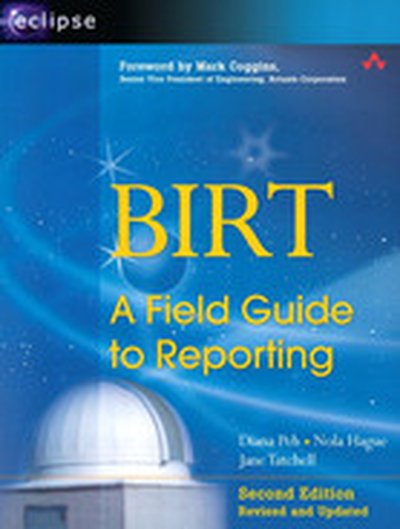
BIRT: A Field Guide to Reporting

The world-wide developer community has downloaded over three million copies of BIRT (Business Intelligence and Reporting Tools) from the Eclipse web site. Built on the open-source Eclipse platform, BIRT is a powerful reporting system that provides an end-to-end solution, from creating and deploying reports to integrating report capabilities in enterprise applications. The first in a two-book series about this exciting technology, is the authoritative guide to using BIRT Report Designer, the graphical tool that enables users of all levels to build reports, simple to sophisticated, without any programming. BIRT, Second Edition: A Field Guide to Reporting is an essential resource for users who want to create presentation quality reports from day one. The extensive examples, step-by-step instructions, and abundant illustrations help new users develop their report design skills quickly. Power users can find the information they need to make the most of the product’s rich set of features to build complex and compelling reports. By the time you finish this book, you learn the following and more BIRT, Second Edition: A Field Guide to Reporting Design effective business and corporate reports that convey information through images, charts, tables, and cross tabs Build reports using data from a variety of sources, including databases, XML documents, spreadsheets, and web services Enliven reports with interactive features, such as hyperlinks, Tooltips, and highlighting Create consistently styled reports and collaborate with other report designers through the use of templates and libraries of reusable elements Localize reports for an international audience This second edition, revised and expanded, adds updated examples and covers all the new and improved product features, including Cross tabs and OLAP cubes New chart types, including Gantt, bubble, tube, and cone charts Web services as a new data source New report output formats, including doc, ppt, xls, and PostScript The capability for reports to reference CSS Localization of report parameter and data values

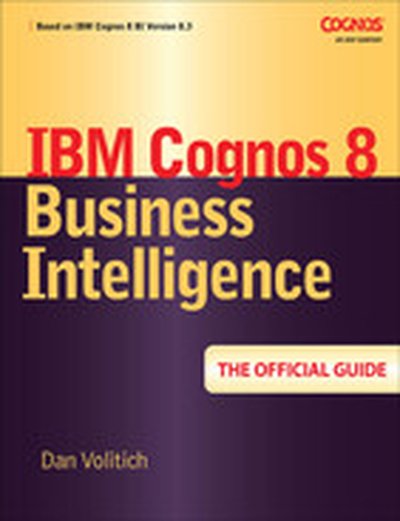
IBM Cognos 8 Business Intelligence: The Official Guide

The Only Authorized Guide to IBM Cognos 8 Business Intelligence Develop, deploy, and maintain a complete BI solution across your enterprise. IBM Cognos 8 Business Intelligence: The Official Guide shows you how to take full advantage of the robust service-oriented architecture and simplified role-based user interfaces. Learn how to create, share, and analyze data-rich reports that lead to increased productivity and better business decisions. Featuring real-world insight and expert tips, this is a must-have guide for IBM Cognos 8 Business Intelligence users of all levels, from administrators to end users. Measure and monitor performance using dashboards and scorecards Assign user roles and privileges Provide complete and consistent access to a broad range of data sources via Cognos Connection Use Cognos 8 Go! to extend BI to Office applications, mobile devices, and search engines Enable business users to create reports with Query Studio Develop new insights by exploring data in multiple dimensions and perspectives with Analysis Studio Build Dimensional Reports with Report Studio Use Event Studio to identify and deliver mission-critical information Create, modify, organize, and publish a model from Cognos Framework Manager Implement sound security measures Take advantage of the management tools in Cognos Administration to ensure maximum reliability and availability

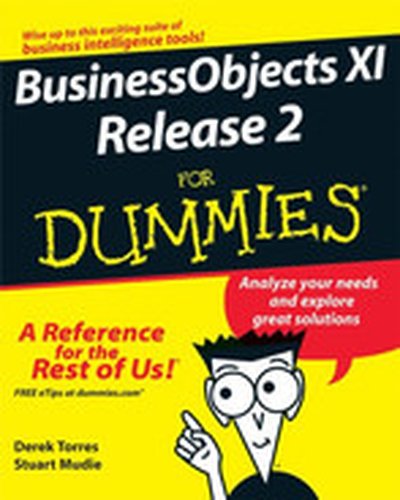
BusinessObjects™ XI Release 2 for Dummies®

BusinessObjects XI Release 2 For Dummies In no time, you'll be finding your way around Universes to see how everything is shaping up, viewing and creating reports, building powerful queries on your organizations database, and measuring your company's performance using BusinessObjects XI Release 2. This completely jargon-free handbook will put you in complete control of the ways and means of a truly exciting and powerful suite of business intelligence tools. Discover how to: Make business decisions with help from BusinessObjects Use BusinessObjects XI wizards Perform a server installation Create and define a Universe Set up desktop reporting Customize and use InfoView Measure performance with Dashboard and Analytics Take advantage of data marts and understand how they fit into your BusinessObjects system Created by a team with more than 15 years combined experience working with BusinessObjects tools, BusinessObjects XI Release 2 For Dummies comes complete with several short lists of useful information, including tips on how to prepare for a successful BusinessObjects integration and helpful resources beyond the pages of this book. You'll also find an overview of Crystal Reports, BusinessObjects’ companion reporting tool.

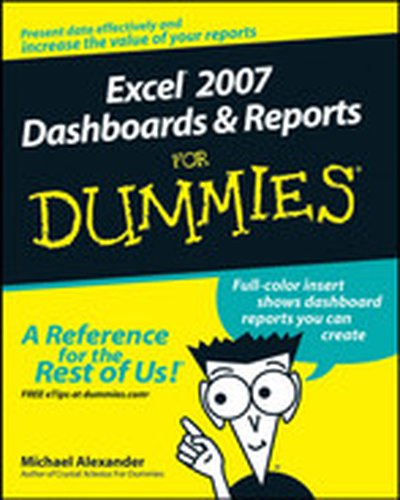
Excel® 2007 Dashboards & Reports For Dummies®

What’s the use of putting out reports that no one reads? Properly created dashboards are graphical representations that put data in a context for your audience, and they look really cool! How cool? You’ll find out when you see the dazzling examples in Excel 2007 Dashboards & Reports For Dummies. And, before long, everyone’s eyes will be riveted to your dashboards and reports too! This revolutionary guide shows you how to turn Excel into your own personal Business Intelligence tool. You’ll learn the fundamentals of using Excel 2007 to go beyond simple tables to creating dashboard-studded reports that wow management. Get ready to catch dashboard fever as you find out how to use basic analysis techniques, build advanced dashboard components, implement advanced reporting techniques, and import external date into your Excel reports. Discover how to: Unleash the power of Excel as a business intelligence tool Create dashboards that communicate and get noticed Think about your data in a new way Present data more effectively and increase the value of your reports Create dynamic labels that support visualization Represent time and seasonal trending Group and bucket data Display and measure values versus goals Implement macro-charged reporting Using Excel 2007 as a BI tool is the most cost-efficient way for organizations of any size create powerful and insightful reports and distribute throughout the enterprise. And Excel 2007 Dashboards and Reports for Dummies is the fastest you for you to catch dashboard fever!

Upgrading SAP®

The purpose of this book is to remove the veil of secrecy surrounding SAP upgrade techniques and concepts, and to provide the user with a detailed description of the steps needed for a successful implementation. Today more than 12 million people in 120 countries who are working for 36,200 companies are using SAP on a regular basis. This popular, but very complex software system must be constantly reconfigured and upgraded to accommodate its latest releases. Upgrading SAP provides a complete overview of the process to upgrade from one SAP release to the next one and explains with detailed descriptions, the use of all relevant SAP upgrade tools. Along with a technical description of the SAP NetWeaver Application Server (AS), it also discusses personnel issues and the economic ramifications of such an upgrade project. Examples in this book are based on various different SAP products and releases, such as SAP NetWeaver 2004, 2004S (also known as NetWeaver 7.0 and 7.1), and SAP Business Suite 2005 with SAP ERP 6.0, BI, CRM, SCM, and SRM. Conceived as both a teaching book and as a reference manual, it covers all the techniques, background information, notes, tips, and tricks needed for any SAP upgrade project. A CD-ROM accompanies the book with templates and outlines for the upgrading process, as well as third-party SAP-related material.

Business Intelligence with Microsoft® Office PerformancePoint™ Server 2007

Deliver BI Solutions with Microsoft Office PerformancePoint Server 2007 Maximize the powerful BI tools available in PerformancePoint 2007 with help from this practical guide. You will learn how to collect and store data, monitor progress, analyze performance, distribute dynamic reports, and create maintainable projects and forecasts. Business Intelligence with Microsoft Office PerformancePoint Server 2007 provides full details on creating scorecards and dashboards, performing advanced analysis on data, and setting up business plans. You will also learn how to integrate PerformancePoint with ProClarity, Excel 2007, and SQL Server Reporting Services. Configure, deploy, and secure all the PerformancePoint components Create KPIs, scorecards, reports, and dashboards with the Dashboard Designer Create business models with the Planning Business Modeler and create budgets and forecasts with Excel 2007 Enable advanced data analysis with PerformancePoint Server and ProClarity tools Take advantage of the enhanced analytic capabilities of Excel 2007 Use SQL Server Reporting Services for analytics Align performance with organizational objectives

SAP Business Information Warehouse Reporting

Your Hands-On Guide to SAP Business Information Warehouse Give your company the competitive edge by delivering up-to-date, pertinent business reports to users inside and outside your enterprise. SAP Business Information Warehouse Reporting shows you how to construct Enterprise Data Warehouses, create workbooks and queries, analyze and format results, and supply meaningful reports. Learn how to use the BEx and Web Analyzers, Web Application Designer, Visual Composer, and Information Broadcaster. You will also find out how to forecast future business trends, build enterprise portals and websites, and tune performance. Group data into InfoCubes and DataStore Objects and generate reports using queries and workbooks Work with the BEx Analyzer, Web Analyzer, and Query Designer Build queries and reports using the Business Administration Workbench Add attachments and drill-through using Document Integration and RRI Format and distribute results using Report Designer and Information Broadcaster Extend functionality with Enterprise Portal, Data Modeling, and Visual Composer Deploy charts, maps, diagrams, and unit of measure conversions Predict trends and possible outcomes using SBC and Integrated Planning Generate HTML pages using Enterprise Reporting and Web Application Designer Create BI-based corporate Web and intranet sites using SAP Enterprise Portal

Infrastructure Solutions: Design, Manage, and Optimize a 60 TB SAP NetWeaver Business Intelligence Data Warehouse

In order to improve the performance and operational efficiency of businesses worldwide, a customer using SAP® wanted to establish a global business program to define and implement a standardized, group-wide business process architecture and associated master data for the parameterization of the group of software tools. The expected growth of the number of users and the size of the database would be at a level never reached by other customers, however, so IBM® was asked to undertake the following tasks: * Test the application to be sure that it can sustain such growth. This project illustrates the new near real time business intelligence (BI) context approached by customers who want the ability to rapidly analyze their business data to gain market shares. Data today comes from many diverse global sources and needs to be merged into an intelligent data warehouse. This IBM Redbooks® publication describes the testing that was done in terms of performance and manageability in an SAP NetWeaver® BI and DB2® environment on IBM System p™ when scaling a client's solution to a data warehouse of 60 terabytes (TB). This book resulted from a joint cooperative effort that included the PSSC, the IBM/SAP International Competency Center, the DB2-SAP Center of Excellence, SAP AG, and a customer. The customer involved in this project is a worldwide company employing more than 250,000 employees with factories and logistics operations in almost every country in the world. This project involved multiple technical skills and multiple products, as described here: * Chapter 1, "Project overview: business objectives, architecture, infrastructure, and results" on page 1, summarizes the entire project, starting from the business needs through the description of the environment and options used, to the results achieved. This chapter can be viewed as an executive summary from an IT specialist perspective. * Chapter 2, "The SAP NetWeaver BI perspective" on page 47; Chapter 3, "The DB2 perspective" on page 127; and Chapter 4, "The IBM System p perspective" on page 287, provide detailed views of the project from the perspectives of SAP specialists, DB2 specialists, and System p and AIX® specialists, respectively. * Chapter 5, "The system storage perspective" on page 319, and Chapter 6, "The Tivoli Storage Manager perspective" on page 349, describe the storage environment and the manageability issues in such a large environment. * Finally Appendix A, "The scripts used" on page 395, provides the scripts that we needed to develop for this project.

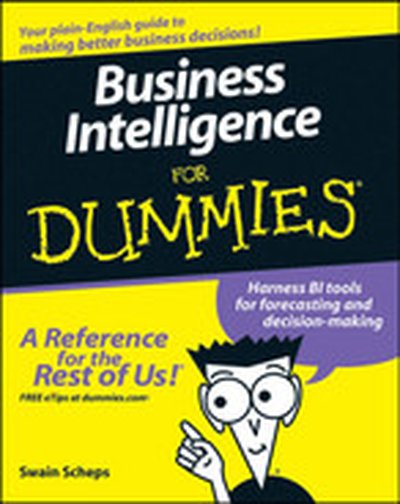
Business Intelligence For Dummies®

You're intelligent, right? So you've already figured out that Business Intelligence can be pretty valuable in making the right decisions about your business. But you’ve heard at least a dozen definitions of what it is, and heard of at least that many BI tools. Where do you start? Business Intelligence For Dummies makes BI understandable! It takes you step by step through the technologies and the alphabet soup, so you can choose the right technology and implement a successful BI environment. You'll see how the applications and technologies work together to access, analyze, and present data that you can use to make better decisions about your products, customers, competitors, and more. You’ll find out how to: Understand the principles and practical elements of BI Determine what your business needs Compare different approaches to BI Build a solid BI architecture and roadmap Design, develop, and deploy your BI plan Relate BI to data warehousing, ERP, CRM, and e-commerce Analyze emerging trends and developing BI tools to see what else may be useful Whether you’re the business owner or the person charged with developing and implementing a BI strategy, checking out Business Intelligence For Dummies is a good business decision.

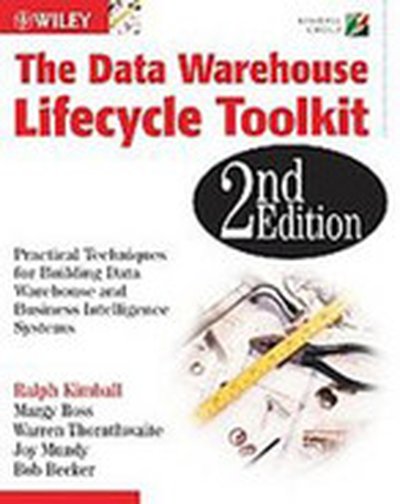
The Data Warehouse Lifecycle Toolkit

The world of data warehousing has changed remarkably since the first edition of The Data Warehouse Lifecycle Toolkit was published in 1998. With this new edition, Ralph Kimball and his colleagues have refined the original set of Lifecycle methods and techniques based on their consulting and training experience. They walk you through the detailed steps of designing, developing, and deploying a data warehousing/business intelligence system. With substantial new and updated content, this second edition again sets the standard in data warehousing for the next decade.

Successful Business Intelligence: Secrets to Making BI a Killer App

Praise for Successful Business Intelligence "If you want to be an analytical competitor, you've got to go well beyond business intelligence technology. Cindi Howson has wrapped up the needed advice on technology, organization, strategy, and even culture in a neat package. It's required reading for quantitatively oriented strategists and the technologists who support them." --Thomas H. Davenport, President's Distinguished Professor, Babson College and co-author, Competing on Analytics "When used strategically, business intelligence can help companies transform their organization to be more agile, more competitive, and more profitable. Successful Business Intelligence offers valuable guidance for companies looking to embark upon their first BI project as well as those hoping to maximize their current deployments." --John Schwarz, CEO, Business Objects "A thoughtful, clearly written, and carefully researched examination of all facets of business intelligence that your organization needs to know to run its business more intelligently and exploit information to its fullest extent." --Wayne Eckerson, Director, TDWI Research "Using real-world examples, Cindi Howson shows you how to use business intelligence to improve the performance, and the quality, of your company." --Bill Baker, Distinguished Engineer & GM, Business Intelligence Applications, Microsoft Corporation "This book outlines the key steps to make BI an integral part of your company's culture and demonstrates how your company can use BI as a competitive differentiator." --Robert VanHees, CFO, Corporate Express "Given the trend to expand the business analytics user base, organizations are faced with a number of challenges that affect the success rate of these projects. This insightful book provides practical advice on improving that success rate." --Dan Vesset, Vice President, Business Analytics Solution Research, IDC

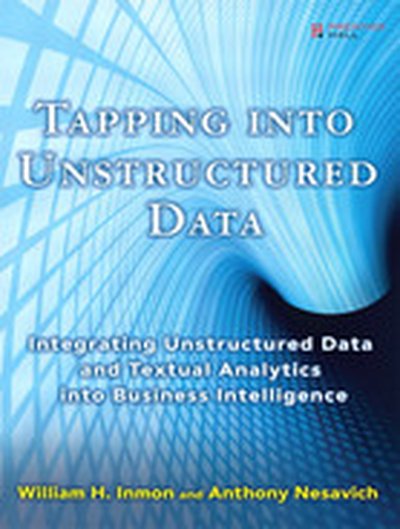
Tapping into Unstructured Data: Integrating Unstructured Data and Textual Analytics into Business Intelligence

“The authors, the best minds on the topic, are breaking new ground. They show how every organization can realize the benefits of a system that can search and present complex ideas or data from what has been a mostly untapped source of raw data.” --Randy Chalfant, CTO, Sun Microsystems The Definitive Guide to Unstructured Data Management and Analysis--From the World’s Leading Information Management Expert A wealth of invaluable information exists in unstructured textual form, but organizations have found it difficult or impossible to access and utilize it. This is changing rapidly: new approaches finally make it possible to glean useful knowledge from virtually any collection of unstructured data. William H. Inmon--the father of data warehousing--and Anthony Nesavich introduce the next data revolution: unstructured data management. Inmon and Nesavich cover all you need to know to make unstructured data work for your organization. You’ll learn how to bring it into your existing structured data environment, leverage existing analytical infrastructure, and implement textual analytic processing technologies to solve new problems and uncover new opportunities. Inmon and Nesavich introduce breakthrough techniques covered in no other book--including the powerful role of textual integration, new ways to integrate textual data into data warehouses, and new SQL techniques for reading and analyzing text. They also present five chapter-length, real-world case studies--demonstrating unstructured data at work in medical research, insurance, chemical manufacturing, contracting, and beyond. This book will be indispensable to every business and technical professional trying to make sense of a large body of unstructured text: managers, database designers, data modelers, DBAs, researchers, and end users alike. Coverage includes What unstructured data is, and how it differs from structured data First generation technology for handling unstructured data, from search engines to ECM--and its limitations Integrating text so it can be analyzed with a common, colloquial vocabulary: integration engines, ontologies, glossaries, and taxonomies Processing semistructured data: uncovering patterns, words, identifiers, and conflicts Novel processing opportunities that arise when text is freed from context Architecture and unstructured data: Data Warehousing 2.0 Building unstructured relational databases and linking them to structured data Visualizations and Self-Organizing Maps (SOMs), including Compudigm and Raptor solutions Capturing knowledge from spreadsheet data and email Implementing and managing metadata: data models, data quality, and more William H. Inmon is founder, president, and CTO of Inmon Data Systems. He is the father of the data warehouse concept, the corporate information factory, and the government information factory. Inmon has written 47 books on data warehouse, database, and information technology management; as well as more than 750 articles for trade journals such as Data Management Review, Byte, Datamation, and ComputerWorld. His b-eye-network.com newsletter currently reaches 55,000 people. Anthony Nesavich worked at Inmon Data Systems, where he developed multiple reports that successfully query unstructured data. Preface xvii 1 Unstructured Textual Data in the Organization 1 2 The Environments of Structured Data and Unstructured Data 15 3 First Generation Textual Analytics 33 4 Integrating Unstructured Text into the Structured Environment 47 5 Semistructured Data 73 6 Architecture and Textual Analytics 83 7 The Unstructured Database 95 8 Analyzing a Combination of Unstructured Data and Structured Data 113 9 Analyzing Text Through Visualization 127 10 Spreadsheets and Email 135 11 Metadata in Unstructured Data 147 12 A Methodology for Textual Analytics 163 13 Merging Unstructured Databases into the Data Warehouse 175 14 Using SQL to Analyze Text 185 15 Case Study--Textual Analytics in Medical Research 195 16 Case Study--A Database for Harmful Chemicals 203 17 Case Study--Managing Contracts Through an Unstructured Database 209 18 Case Study--Creating a Corporate Taxonomy (Glossary) 215 19 Case Study--Insurance Claims 219 Glossary 227 Index 233

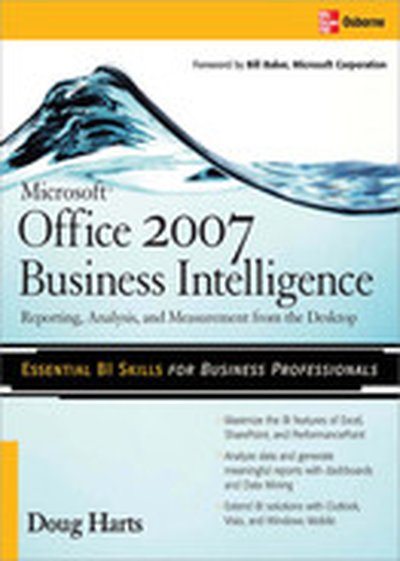
Microsoft ® Office 2007 Business Intelligence

Extract and analyze mission-critical enterprise data using Microsoft Office 2007 This authoritative volume is a practical guide to the powerful new collaborative Business Intelligence tools available in Office 2007. Using real-world examples and clear explanations, Microsoft Office 2007 Business Intelligence: Reporting, Analysis, and Measurement from the Desktop shows you how to use Excel, Excel Services, SharePoint, and PerformancePoint with a wide range of stand-alone and external data in today's networked office. You will learn how to analyze data and generate reports, scorecards, and dashboards with the Office tools you're already using to help you in your everyday work. Create Excel PivotTables and PivotCharts and apply Conditional Formatting Convert Excel spreadsheets into Excel Tables with Conditional Formatting and Charting Connect external data to Excel using Office Data Connections and SharePoint Create SharePoint dashboards that display data from multiple sources Add Key Performance Indicators and Excel Services reports to your dashboards Harness advanced SQL Server 2005 data analysis tools with the Excel Data Mining Add-In and Visio Cluster Diagrams Generate integrated PerformancePoint Scorecards Create Visio PivotDiagrams and Windows Mobile spreadsheets

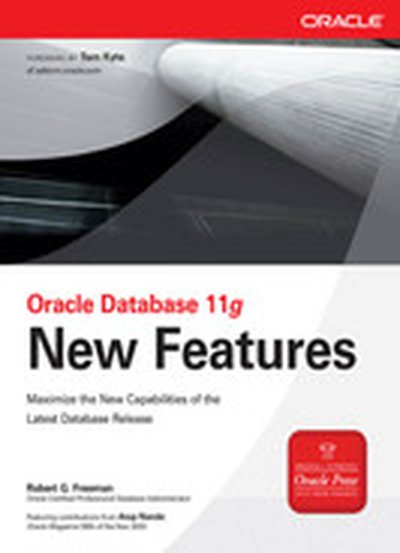
Oracle Database 11g New Features

FOREWORD by Tom Kyte Your Must-Have Guide to Everything New in Oracle Database 11 g Realize the full potential of Oracle Database 11 g with help from the experts. Written by Robert G. Freeman, and with insightful commentary throughout from Arup Nanda, this Oracle Press guide offers full details on the architectural changes, database administration upgrades, availability and recovery revisions, security enhancements, and programming innovations. Every new and updated feature is covered and presented with screenshots, code samples, tables, and charts. Find out how to take full advantage of all the new and improved capabilities of Oracle Database 11 g, including: New Oracle Automatic Storage Management features, such as Fast Disk Resync, Compatibility Attributes, P referred Mirror Read, and Rolling Upgrade components Improved Automated Memory Management capabilities New database design features, such as virtual columns, tablespace encryption, and true table-level data compression New Database Advisors for data recovery and repair, partitioning, and streams performance New tuning features, such as Automatic SQL Tuning and SQL Performance Analyzer Enhancements to Oracle RMAN, including active database duplication and UNDO backup optimization Improved auditing and security capabilities Advanced BI, data warehousing, and partitioning features New SQL and PL/SQL enhancements

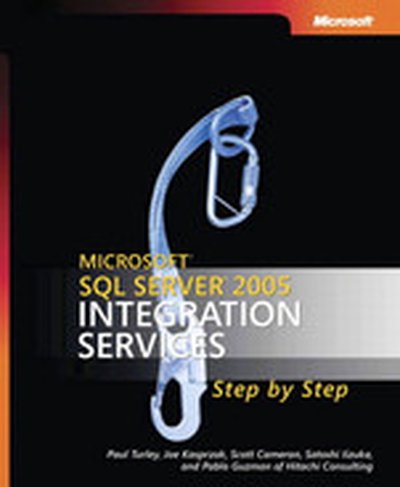
Microsoft® SQL Server™ 2005 Integration Services Step by Step

Teach yourself the fundamentals of SQL Server Integration Services—one step at a time. This practical, learn-by-doing tutorial delivers the guidance you need to transform and consolidate data—and build solutions that support your business intelligence needs. Discover how to: Design and execute packages that transform data between files and relational databases Configure connection managers to access other data sources Create data flows that alter, split, match, and merge data Develop event-handlers and monitor package performance Encrypt sensitive information and control access to packages Customize script code to automate Control Flow and Data Flow tasks Debug, troubleshoot, and optimize packages CD features: All practice exercises Sample databases Fully searchable eBook For customers who purchase an ebook version of this title, instructions for downloading the CD files can be found in the ebook.

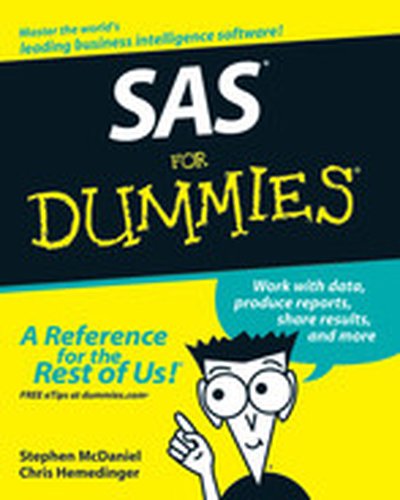
SAS For Dummies

Created in partnership with SAS, this book explores SAS, a business intelligence software that can be used in any business setting or enterprise for data delivery, reporting, data mining, forecasting, statistical analysis, and more. SAS employee and technologist Stephen McDaniel combines real-world expertise and a friendly writing style to introduce readers to SAS basics. It covers crucial topics such as getting various types of data into the software, producing reports, working with the data, basic SAS programming, macros, and working with SAS and databases.

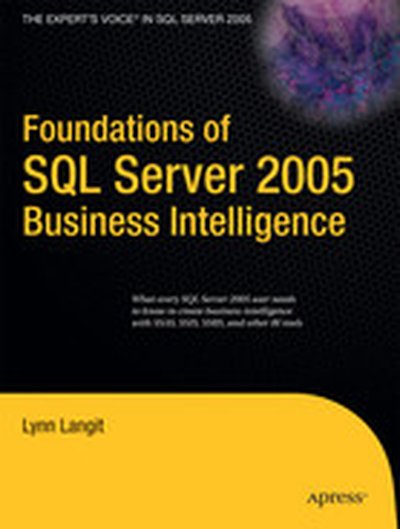
Foundations of SQL Server 2005 Business Intelligence

Just as every business needs to effectively employ business intelligence (BI) to stay competitive, every IT professional needs to master BI to stay employed in this fastest-growing segment of information technology. Foundations of SQL Server 2005 Business Intelligence is the quickest path to understanding BI, and it is essential reading for all who work with SQL Server 2005. It is written from a practical perspective, perfect for anyone who uses the tools in SQL Server 2005s extraordinarily rich BI product suite. This book explains how best to use Analysis Services, SQL Server Integration Services, SQL Server Reporting Services, and SQL Server Data Mining. It also describes best practices for implementing end-to-end BI solutions in small, medium, and large business environments. And it provides important information about integrating BI with various client tools, including Excel, Business Scorecards, Proclarity, and SharePoint Portal Server. Developers, end users, and even managers will find this an enlightening guide to the power and promise of SQL Server 2005 BI.

Microsoft® SQL Server 2005 Unleashed

Microsoft SQL Server 2005 Unleashed offers comprehensive coverage of SQL Server 2005 that goes beyond the basic syntax and information you’ll find in the product manuals, providing in-depth information derived from the authors’ real-world experience to help you build upon your working knowledge of the product and take your experience and knowledge to a higher level. This book focuses primarily on the information needed by system and database administrators, as well as for users with overlapping duties as both DBA and developer. Included is extensive coverage of the new features and upgraded tools and capabilities of SQL Server 2005, including .NET Framework integration, Integration Services, Service Broker, Database Mirroring and Snapshots, and Reporting Services. Detailed information on… Installing, upgrading, and administering SQL Server 2005 Database maintenance, backup, and recovery Creating and managing tables, views, stored procedures, triggers, and user-defined functions Database and index design SQL Server query optimization, and performance monitoring and tuning Transactions, transaction management, and distributed transactions SQL Server Management Studio—NEW! SQL Server Notification Services; Integration Services—NEW!; Analysis Services; Reporting Services—NEW!; Web Services—NEW! SQL Server Service Broker—NEW! SQL Server and Microsoft .NET Framework integration, including CLR-based stored procedures, functions, and triggers—NEW! SQL Server high availability and SQL Server clustering and replication Database Mirroring—NEW! Database Snapshots—NEW! Using XML in SQL Server 2005 SQL Server tools and utilities CD-ROM includes 8 bonus chapters covering topics such as Notification Services, Service Broker, and Full-Text Search Code samples, scripts, and sample databases A PDF version of the entire book Introduction Part I Welcome to Microsoft SQL Server 1 SQL Server 2005 Overview 2 What’s New in SQL Server 2005 Part II SQL Server Tools and Utilities 3 SQL Server Management Studio 4 SQL Server Command-Line Utilities 5 SQL Server Profiler Part III SQL Server Administration 6 SQL Server System and Database Administration 7 Installing SQL Server 2005 8 Upgrading to SQL Server 2005 9 Client Installation and Configuration 10 Security and User Administration 11 Database Backup and Restore 12 Database Mail 13 SQL Server Scheduling and Notification 14 SQL Server High Availability. 15 Replication 16 Database Mirroring 17 SQL Server Clustering Part IV Database Administration 18 Creating and Managing Databases 19 Creating and Managing Tables 20 Creating and Managing Indexes 21 Implementing Data Integrity 22 Creating and Managing Views in SQL Server 23 Creating and Managing Stored Procedures 24 Creating and Managing User-Defined Functions 25 Creating and Managing Triggers 26 Transaction Management and the Transaction Log 27 Database Snapshots 28 Database Maintenance Part V SQL Server Performance and Optimization 29 Indexes and Performance 30 Understanding Query Optimization 31 Query Analysis 32 Locking and Performance 33 Database Design and Performance 34 Monitoring SQL Server Performance Part VI SQL Server Application Development 35 What’s New for Transact-SQL in SQL Server 2005 36 SQL Server and the .NET Framework 37 Using XML in SQL Server 2005 38 SQL Server Web Services Part VII SQL Server Business Intelligence Features 39 SQL Server 2005 Analysis Services 40 SQL Server Integration Services 41 SQL Server 2005 Reporting Services Bonus Chapters on the CD 42 Managing Linked and Remote Servers 43 Configuring, Tuning, and Optimizing SQL Server Options 44 Administering Very Large SQL Server Databases 45 SQL Server Disaster Recovery Planning 46 Transact-SQL Programming Guidelines, Tips, and Tricks 47 SQL Server Notification Services 48 SQL Server Service Broker 49 SQL Server Full-Text Search Index