talk-data.com talk-data.com

Topic

Power BI

Microsoft Power BI

bi data_visualization microsoft

201

tagged

Activity Trend

16 peak/qtr
2020-Q1 2026-Q1

Activities

201 activities · Newest first

Beginning Microsoft Power BI: A Practical Guide to Self-Service Data Analytics

Analyze company data quickly and easily using Microsoft’s powerful data tools. Learn to build scalable and robust data models, clean and combine different data sources effectively, and create compelling and professional visuals. Beginning Power BI is a hands-on, activity-based guide that takes you through the process of analyzing your data using the tools that that encompass the core of Microsoft’s self-service BI offering. Starting with Power Query, you will learn how to get data from a variety of sources, and see just how easy it is to clean and shape the data prior to importing it into a data model. Using Power BI tabular and the Data Analysis Expressions (DAX), you will learn to create robust scalable data models which will serve as the foundation of your data analysis. From there you will enter the world of compelling interactive visualizations to analyze and gain insight into your data. You will wrap up your Power BI journey by learning how to package and share your reports and dashboards with your colleagues. Author Dan Clark takes you through each topic using step-by-step activities and plenty of screen shots to help familiarize you with the tools. This third edition covers the new and evolving features in the Power BI platform and new chapters on data flows and composite models. This book is your hands-on guide to quick, reliable, and valuable data insight. What You Will Learn Simplify data discovery, association, and cleansing Build solid analytical data models Create robust interactive data presentations Combine analytical and geographic data in map-based visualizations Publish and share dashboards and reports Who This Book Is For Business analysts, database administrators, developers, and other professionals looking to better understand and communicate with data

Hands-On Business Intelligence with DAX

Hands-On Business Intelligence with DAX is your comprehensive guide to mastering DAX (Data Analysis Expressions) within the context of Power BI, Excel Power Pivot, and more. You will learn how to craft powerful DAX queries, build efficient data models, and gain actionable insights from your data. What this Book will help me do Gain a comprehensive understanding of DAX query language and its applications. Learn the skills to create and optimize data models using real-world examples. Master the techniques needed to write advanced DAX expressions with confidence. Understand key DAX functions for complex data aggregation and calculations. Develop expertise in using DAX to derive deeper insights from diverse datasets. Author(s) None Horne is an experienced data professional passionate about teaching DAX and data modeling concepts in easy and approachable ways. With years of experience in business intelligence and a knack for breaking down complex topics, None Horne equips you with knowledge you can apply immediately. Who is it for? This book is ideal for business intelligence analysts, data professionals, and Power BI users who wish to enhance their DAX expertise. It is well-suited for readers with a basic understanding of BI concepts looking to expand their skills. Pragmatic learners looking to apply DAX to solve data problems will find this book highly practical. If you are keen to develop more efficient workflows and deeper data insights, this book fits your needs.

Data Analysis with Microsoft Power BI

Publisher's Note: Products purchased from Third Party sellers are not guaranteed by the publisher for quality, authenticity, or access to any online entitlements included with the product. Explore, create, and manage highly interactive data visualizations using Microsoft Power BI Extract meaningful business insights from your disparate enterprise data using the detailed information contained in this practical guide. Written by a recognized BI expert and bestselling author, Data Analysis with Microsoft Power BI teaches you the skills you need to interact with, author, and maintain robust visualizations and custom data models. Hands-on exercises based on real-life business scenarios clearly demonstrate each technique. Publishing your results to the Power BI Service (PowerBI.com) and Power BI Report Server are also fully covered. Inside, you will discover how to: •Understand Business Intelligence and self-service analytics •Explore the tools and features of Microsoft Power BI •Create and format effective data visualizations •Incorporate advanced interactivity and custom graphics •Build and populate accurate data models •Transform data using the Power BI Query Editor •Work with measures, calculated columns, and tabular models •Write powerful DAX language scripts •Share content on the PowerBI Service (PowerBI.com) •Store your visualizations on the Power BI Report Server

Pro DAX with Power BI: Business Intelligence with PowerPivot and SQL Server Analysis Services Tabular

Learn the intricate workings of DAX and the mechanics that are necessary to solve advanced Power BI challenges. This book is all about DAX (Data Analysis Expressions), the formula language used in Power BI—Microsoft’s leading self-service business intelligence application—and covers other products such as PowerPivot and SQL Server Analysis Services Tabular. You will learn how to leverage the advanced applications of DAX to solve complex tasks. Often a task seems complex due to a lack of understanding, or a misunderstanding of core principles, and how certain components interact with each other. The authors of this book use solutions and examples to teach you how to solve complex problems. They explain the intricate workings of important concepts such as Filter Context and Context Transition. You will learn how Power BI, through combining DAX building blocks (such as measures, table filtering, and data lineage), can yield extraordinary analytical power. Throughout Pro Dax with Power BI these building blocks are used to create and compose solutions for advanced DAX problems, so you can independently build solutions to your own complex problems, and gain valuable insight from your data. What You Will Learn Understand the intricate workings of DAX to solve advanced problems Deconstruct problems into manageable parts in order to create your own recipes Apply predefined solutions for addressing problems, and link back step-by-step to the mechanics of DAX, to know the foundation of this powerful query language Get fully on board with DAX, a new and evolving language, by learning best practices Who This Book Is For Anyone who wants to use Power BI to build advanced and complex models. Some experience writing DAX is helpful, but not essential if you have experience with other data query languages such as MDX or SQL.

podcast_episode
by Mico Yuk (Data Storytelling Academy) , Jen Underwood (Microsoft (former))

Do you know what skill sets you're going to need in the next three years to stay relevant in the BI (business intelligence) industry? Don't wait for the BI bubble to pop! When I met Jen Underwood, she was one of Microsoft's first Power BI product managers and an undeniable voice of reason in the BI industry through her blogs and other insightful posts online. I always admired her technical aptitude and was not surprised that she went on to work at cool startups like DataRobot and now Aible. In this exciting episode, Jen breaks down what you need to know and do to be viable and relevant in the BI market in 2020 and beyond! Let's just say, it's definitely not what you're doing today. Tune in, and level up!

In this episode, you'll learn: [02:58] Jen's CV: Marketing degree and love for data leads to 20+ years in BI industry. [05:17] Key Quote: I knew that I fell in love with programming and all that. But I didn't have the patience to extend my college years. - Jen Underwood [06:41] Fear of Failure: Jen's only option was to succeed during her homeless period. For full show notes, his book give away, and the links mentioned visit: https://bibrainz.com/podcast/38 Sponsor This exciting season of AOF is sponsored by our BI Data Storytelling Mastery Accelerator 3-Day Live workshop. Our second one is coming up on Jan 28-30 and registration is open! Join us and consider upgrading to be a VIP (we have tons of bonuses planned). Many BI teams are still struggling to deliver consistent, high-engaging analytics their users love. At the end of three days, you'll leave with the tools, techniques, and resources you need to engage your users. Register today!   Enjoyed the Show?  Please leave us a review on iTunes.

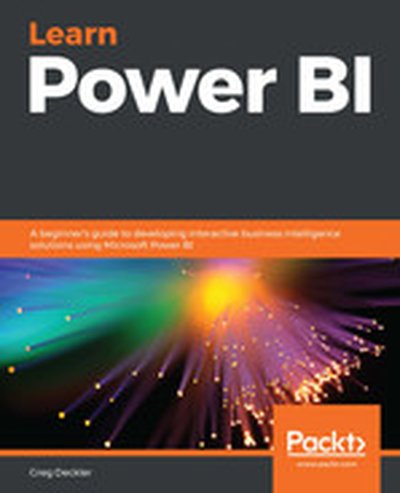
Learn Power BI

Master the art of business intelligence with "Learn Power BI". This beginner-friendly guide introduces you to building interactive business reports and dashboards using Microsoft Power BI. By covering data modeling, visualization, and analysis techniques, you will be equipped with the tools to derive actionable insights and decision-making support from your organization's data. What this Book will help me do Create interactive dashboards using Power BI features to enhance business reporting. Import and transform raw data using Power BI's Query Editor for cleaner analysis. Perform dynamic and complex calculations with DAX to enrich your data insights. Develop storytelling reports that convey impactful business insights effectively. Publish and securely share Power BI reports, enabling collaboration across teams. Author(s) Greg Deckler is an expert in business intelligence and data analysis, with years of experience leveraging Power BI to solve real-world challenges. As a seasoned author, Greg combines technical depth with an approachable teaching style, making intricate concepts accessible. Through his writing, he focuses on empowering readers to unlock the full potential of Power BI for solving business challenges. Who is it for? This book is ideal for IT managers, data analysts, or professionals looking to adopt Power BI for their business intelligence needs. It's accessible to beginners with no prior Power BI experience. Additionally, if you're transitioning from other BI tools and aim to learn how to build interactive dashboards and reports in Power BI, this is the guide for you. Advance your skills and meet your business goals with confidence.

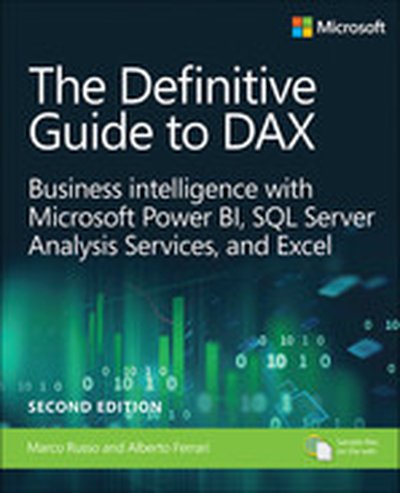
Definitive Guide to DAX, The: Business intelligence for Microsoft Power BI, SQL Server Analysis Services, and Excel, 2nd Edition

Now expanded and updated with modern best practices, this is the most complete guide to Microsoft's DAX language for business intelligence, data modeling, and analytics. Expert Microsoft BI consultants Marco Russo and Alberto Ferrari help you master everything from table functions through advanced code and model optimization. You'll learn exactly what happens under the hood when you run a DAX expression, and use this knowledge to write fast, robust code. This edition focuses on examples you can build and run with the free Power BI Desktop, and helps you make the most of the powerful syntax of variables (VAR) in Power BI, Excel, or Analysis Services. Want to leverage all of DAX's remarkable capabilities? This no-compromise "deep dive" is exactly what you need. Related Content Video: Introduction to Microsoft Power BI (Video), Data Analysis Fundamentals with Excel (Video) Perform powerful data analysis with DAX for Power BI, SQL Server, and Excel · Master core DAX concepts, including calculated columns, measures, and calculation groups · Work efficiently with basic and advanced table functions · Understand evaluation contexts and the CALCULATE and CALCULATETABLE functions · Perform time-based calculations · Use calculation groups and calculation items · Use syntax of variables (VAR) to write more readable, maintainable code · Express diverse and unusual relationships with DAX, including many-to-many relationships and bidirectional filters · Master advanced optimization techniques, and improve performance in aggregations · Optimize data models to achieve better compression · Measure DAX query performance with DAX Studio and learn how to optimize your DAX

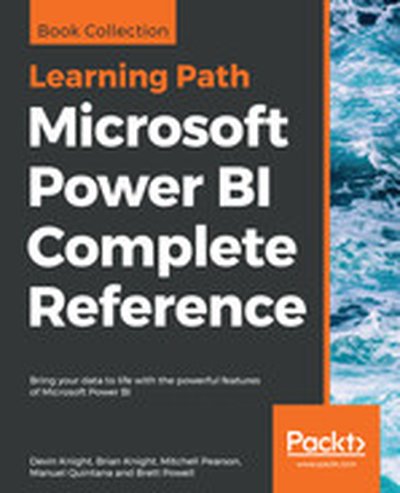
Microsoft Power BI Complete Reference

Design, develop, and master efficient Power BI solutions for impactful business insights Key Features Get to grips with the fundamentals of Microsoft Power BI Combine data from multiple sources, create visuals, and publish reports across platforms Understand Power BI concepts with real-world use cases Book Description Microsoft Power BI Complete Reference Guide gets you started with business intelligence by showing you how to install the Power BI toolset, design effective data models, and build basic dashboards and visualizations that make your data come to life. In this Learning Path, you will learn to create powerful interactive reports by visualizing your data and learn visualization styles, tips and tricks to bring your data to life. You will be able to administer your organization's Power BI environment to create and share dashboards. You will also be able to streamline deployment by implementing security and regular data refreshes. Next, you will delve deeper into the nuances of Power BI and handling projects. You will get acquainted with planning a Power BI project, development, and distribution of content, and deployment. You will learn to connect and extract data from various sources to create robust datasets, reports, and dashboards. Additionally, you will learn how to format reports and apply custom visuals, animation and analytics to further refine your data. By the end of this Learning Path, you will learn to implement the various Power BI tools such as on-premises gateway together along with staging and securely distributing content via apps. This Learning Path includes content from the following Packt products: Microsoft Power BI Quick Start Guide by Devin Knight et al. Mastering Microsoft Power BI by Brett Powell What you will learn Connect to data sources using both import and DirectQuery options Leverage built-in and custom visuals to design effective reports Administer a Power BI cloud tenant for your organization Deploy your Power BI Desktop files into the Power BI Report Server Build efficient data retrieval and transformation processes Who this book is for Microsoft Power BI Complete Reference Guide is for those who want to learn and use the Power BI features to extract maximum information and make intelligent decisions that boost their business. If you have a basic understanding of BI concepts and want to learn how to apply them using Microsoft Power BI, then Learning Path is for you. It consists of real-world examples on Power BI and goes deep into the technical issues, covers additional protocols, and much more.

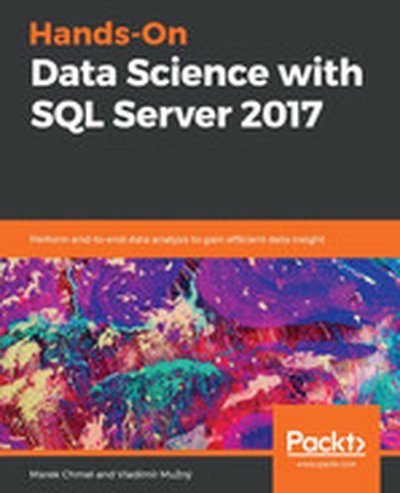
Hands-On Data Science with SQL Server 2017

In "Hands-On Data Science with SQL Server 2017," you will discover how to implement end-to-end data analysis workflows, leveraging SQL Server's robust capabilities. This book guides you through collecting, cleaning, and transforming data, querying for insights, creating compelling visualizations, and even constructing predictive models for sophisticated analytics. What this Book will help me do Grasp the essential data science processes and how SQL Server supports them. Conduct data analysis and create interactive visualizations using Power BI. Build, train, and assess predictive models using SQL Server tools. Integrate SQL Server with R, Python, and Azure for enhanced functionality. Apply best practices for managing and transforming big data with SQL Server. Author(s) Marek Chmel and Vladimír Mužný bring their extensive experience in data science and database management to this book. Marek is a seasoned database specialist with a strong background in SQL, while Vladimír is known for his instructional expertise in analytics and data manipulation. Together, they focus on providing actionable insights and practical examples tailored for data professionals. Who is it for? This book is an ideal resource for aspiring and seasoned data scientists, data analysts, and database professionals aiming to deepen their expertise in SQL Server for data science workflows. Beginners with fundamental SQL knowledge will find it a guided entry into data science applications. It is especially suited for those who aim to implement data-driven solutions in their roles while leveraging SQL's capabilities.

Summary

When your data lives in multiple locations, belonging to at least as many applications, it is exceedingly difficult to ask complex questions of it. The default way to manage this situation is by crafting pipelines that will extract the data from source systems and load it into a data lake or data warehouse. In order to make this situation more manageable and allow everyone in the business to gain value from the data the folks at Dremio built a self service data platform. In this episode Tomer Shiran, CEO and co-founder of Dremio, explains how it fits into the modern data landscape, how it works under the hood, and how you can start using it today to make your life easier.

Preamble

Hello and welcome to the Data Engineering Podcast, the show about modern data management When you’re ready to build your next pipeline, or want to test out the projects you hear about on the show, you’ll need somewhere to deploy it, so check out Linode. With 200Gbit private networking, scalable shared block storage, and a 40Gbit public network, you’ve got everything you need to run a fast, reliable, and bullet-proof data platform. If you need global distribution, they’ve got that covered too with world-wide datacenters including new ones in Toronto and Mumbai. Go to dataengineeringpodcast.com/linode today to get a $20 credit and launch a new server in under a minute. Go to dataengineeringpodcast.com to subscribe to the show, sign up for the mailing list, read the show notes, and get in touch. Join the community in the new Zulip chat workspace at dataengineeringpodcast.com/chat Your host is Tobias Macey and today I’m interviewing Tomer Shiran about Dremio, the open source data as a service platform

Interview

Introduction How did you get involved in the area of data management? Can you start by explaining what Dremio is and how the project and business got started?

What was the motivation for keeping your primary product open source? What is the governance model for the project?

How does Dremio fit in the current landscape of data tools?

What are some use cases that Dremio is uniquely equipped to support? Do you think that Dremio obviates the need for a data warehouse or large scale data lake?

How is Dremio architected internally?

How has that architecture evolved from when it was first built?

There are a large array of components (e.g. governance, lineage, catalog) built into Dremio that are often found in dedicated products. What are some of the strategies that you have as a business and development team to manage and integrate the complexity of the product?

What are the benefits of integrating all of those capabilities into a single system? What are the drawbacks?

One of the useful features of Dremio is the granular access controls. Can you discuss how those are implemented and controlled? For someone who is interested in deploying Dremio to their environment what is involved in getting it installed?

What are the scaling factors?

What are some of the most exciting features that have been added in recent releases? When is Dremio the wrong choice? What have been some of the most challenging aspects of building, maintaining, and growing the technical and business platform of Dremio? What do you have planned for the future of Dremio?

Contact Info

Tomer

@tshiran on Twitter LinkedIn

Dremio

Website @dremio on Twitter dremio on GitHub

Parting Question

From your perspective, what is the biggest gap in the tooling or technology for data management today?

Links

Dremio MapR Presto Business Intelligence Arrow Tableau Power BI Jupyter OLAP Cube Apache Foundation Hadoop Nikon DSLR Spark ETL (Extract, Transform, Load) Parquet Avro K8s Helm Yarn Gandiva Initiative for Apache Arrow LLVM TLS

The intro and outro music is from The Hug by The Freak Fandango Orchestra / CC BY-SA Support Data Engineering Podcast

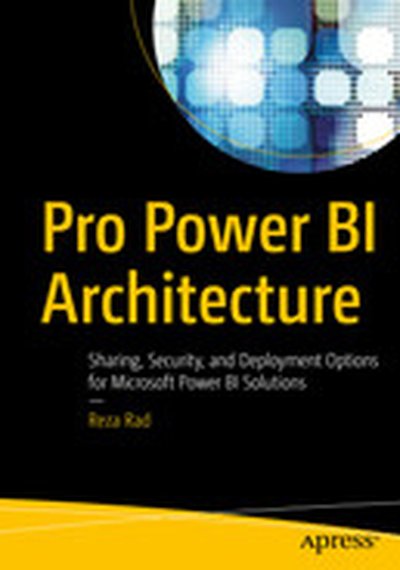
Pro Power BI Architecture: Sharing, Security, and Deployment Options for Microsoft Power BI Solutions

Architect and deploy a Power BI solution. This book will help you understand the many available options and choose the best combination for hosting, developing, sharing, and deploying a Power BI solution within your organization. Pro Power BI Architecture provides detailed examples and explains the different methods available for sharing and securing Power BI content so that only intended recipients can see it. Commonly encountered problems you will learn to handle include content unexpectedly changing while users are in the process of creating reports and building analysis, methods of sharing analyses that don’t cover all the requirements of your business or organization, and inconsistent security models. The knowledge provided in this book will allow you to choose an architecture and deployment model that suits the needs of your organization, ensuring that you do not spend your time maintaining your solution but onusing it for its intended purpose and gaining business value from mining and analyzing your organization’s data. What You'll Learn Architect and administer enterprise-level Power BI solutions Choose the right sharing method for your Power BI solution Create and manage environments for development, testing, and production Implement row level security in multiple ways to secure your data Save money by choosing the right licensing plan Select a suitable connection type—Live Connection, DirectQuery, or Scheduled Refresh—for your use case Set up a Power BI gateway to bridge between on-premises data sources and the Power BI cloud service Who This Book Is For Data analysts, developers, architects, and managers who want to leverage Power BI for their reporting solution

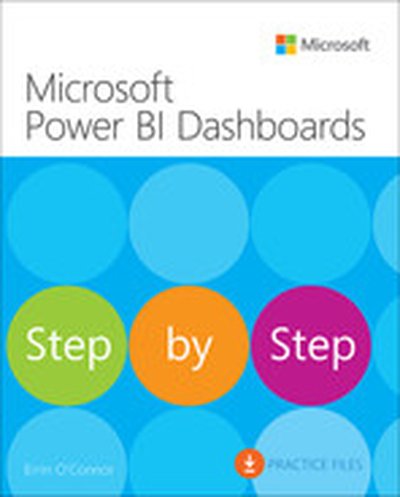
Microsoft Power BI Dashboards Step by Step, First Edition

Your hands-on guide to building effective Power BI dashboards Expand your expertise–and teach yourself how to create world-class Power BI business analysis dashboards that bring data to life for better decision-making. If you're an experienced business intelligence professional or manager, you'll get all the guidance, examples, and code you need to succeed–even if you've never used Power BI before. Successfully design, architect, and implement Power BI in your organization Take full advantage of any Microsoft Power BI platform, including Power BI Premium Make upfront decisions that position your Power BI project for success Build rich, live dashboards to monitor crucial data from across your organization Aggregate data and data elements from numerous internal and external data sources Develop dynamic visualizations, including charts, maps, and graphs Bring data to life with stunning interactive reports Ensure dashboard security and compliance Drive user adoption through effective training

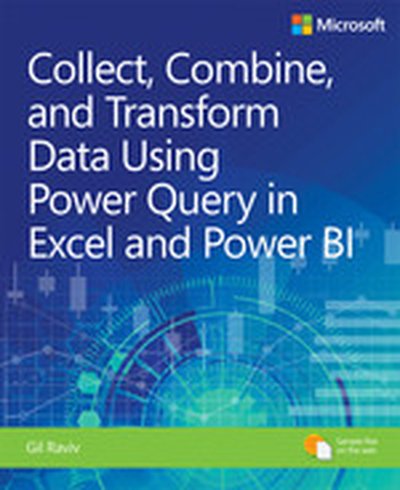
Collect, Combine, and Transform Data Using Power Query in Excel and Power BI, First Edition

Using Power Query, you can import, reshape, and cleanse any data from a simple interface, so you can mine that data for all of its hidden insights. Power Query is embedded in Excel, Power BI, and other Microsoft products, and leading Power Query expert Gil Raviv will help you make the most of it. Discover how to eliminate time-consuming manual data preparation, solve common problems, avoid pitfalls, and more. Then, walk through several complete analytics challenges, and integrate all your skills in a realistic chapter-length final project. By the time you're finished, you'll be ready to wrangle any data–and transform it into actionable knowledge. Prepare and analyze your data the easy way, with Power Query · Quickly prepare data for analysis with Power Query in Excel (also known as Get & Transform) and in Power BI · Solve common data preparation problems with a few mouse clicks and simple formula edits · Combine data from multiple sources, multiple queries, and mismatched tables · Master basic and advanced techniques for unpivoting tables · Customize transformations and build flexible data mashups with the M formula language · Address collaboration challenges with Power Query · Gain crucial insights into text feeds · Streamline complex social network analytics so you can do it yourself For all information workers, analysts, and any Excel user who wants to solve their own business intelligence problems.

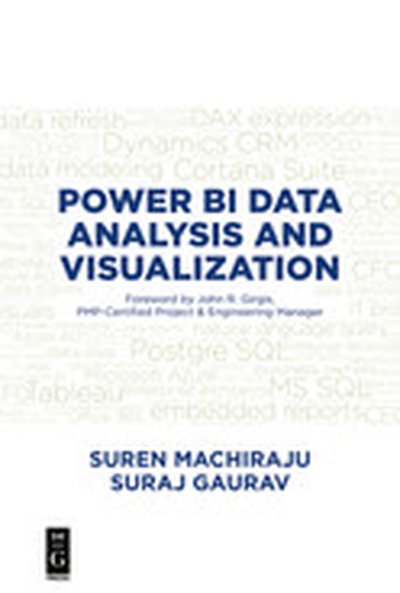
Power BI Data Analysis and Visualization

Power BI Data Analysis and Visualization provides a roadmap to vendor choices and highlights why Microsoft’s Power BI is a very viable, cost effective option for data visualization. The book covers the fundamentals and most commonly used features of Power BI, but also includes an in-depth discussion of advanced Power BI features such as natural language queries; embedding Power BI dashboards; and live streaming data. It discusses real solutions to extract data from the ERP application, Microsoft Dynamics CRM, and also offers ways to host the Power BI Dashboard as an Azure application, extracting data from popular data sources like Microsoft SQL Server and open-source PostgreSQL. Authored by Microsoft experts, this book uses real-world coding samples and screenshots to spotlight how to create reports, embed them in a webpage, view them across multiple platforms, and more. Business owners, IT professionals, data scientists, and analysts will benefit from this thorough presentation of Power BI and its functions.

Microsoft Power BI Quick Start Guide

Uncover the power of Microsoft Power BI with this accessible and practical guide. This book introduces you to the concepts of data modeling, transformation, and visualization, ensuring that you can build effective dashboards and gain valuable insights. You'll be empowered to productively utilize Power BI in your organization to achieve your analytics goals. What this Book will help me do Connect to various data sources and harness the capabilities of the Query Editor. Transform and clean data for analysis, learning to use languages like M and R. Build robust data models with relationships and powerful DAX expressions. Create impactful reports with efficient and custom visualizations in Power BI. Deploy and administer Power BI solutions both in the cloud and on-premise. Author(s) The authors, Devin Knight, Mitchell Pearson, and Manuel Quintana, are seasoned experts in Business Intelligence and Power BI. They bring years of experience simplifying complex data challenges. Their writing is approachable and hands-on, equipping readers with the skills to solve real-world problems. Who is it for? This book is perfectly suited for professionals in Business Intelligence roles, data analysts, or those aiming to adopt Power BI solutions. Whether you're new to Power BI or have basic BI knowledge, this guide will take you from fundamentals to advanced implementations. Ideal for anyone aiming to unlock actionable insights from their data.

In this episode, Wayne Eckerson and Jen Underwood explore a new era of analytics. Data volumes and complexity have exceeded the limits of current manual drag-and-drop analytics solutions. Data moves at the speed of light while speed-to-insight lags farther and farther behind. It is time to explore intelligent, next generation, machine-powered analytics to retain your competitive edge. It is time to combine the best of the human mind and machine.

Underwood is an analytics expert and founder of Impact Analytic. She is a former product manager at Microsoft who spearheaded the design and development of the reinvigorated version of Power BI, which has since become a market leading BI tool. Underwood is an IBM Analytics Insider, SAS contributor, former Tableau Zen Master, Top 10 Women Influencer and active analytics community member. She is keenly interested in the intersection of data visualization and data science and writes and speaks persuasively about these topics.

Exam Ref 70-778 Analyzing and Visualizing Data by Using Microsoft Power BI

Prepare for Microsoft Exam 70-778-and help demonstrate your real-world mastery of Power BI data analysis and visualization. Designed for experienced BI professionals and data analysts ready to advance their status, Exam Ref focuses on the critical thinking and decision-making acumen needed for success at the MCSA level. Focus on the expertise measured by these objectives: Consume and transform data by using Power BI Desktop Model and visualize data Configure dashboards, reports, and apps in the Power BI Service This Microsoft Exam Ref: Organizes its coverage by exam objectives Features strategic, what-if scenarios to challenge you Assumes you have experience consuming and transforming data, modeling and visualizing data, and configuring dashboards using Excel and Power BI

Exam Ref 70-779 Analyzing and Visualizing Data with Microsoft Excel

Prepare for Microsoft Exam 70-779 and help demonstrate your real-world mastery of Microsoft Excel data analysis and visualization. Designed for BI professionals, data analysts, and others who analyze business data with Excel, this Exam Ref focuses on the critical thinking and decision-making acumen needed for success at the MCSA level. Focus on the expertise measured by these objectives: Consume and transform data by using Microsoft Excel Model data, from building and optimizing data models through creating performance KPIs, actual and target calculations, and hierarchies Visualize data, including creating and managing PivotTables and PivotCharts, and interacting with PowerBI This Microsoft Exam Ref: Organizes its coverage by exam objectives Features strategic, what-if scenarios to challenge you Assumes you have a strong understanding of how to use Microsoft Excel to perform data analysis

Hands-On Data Warehousing with Azure Data Factory

Dive into the world of ETL (Extract, Transform, Load) with 'Hands-On Data Warehousing with Azure Data Factory'. This book guides readers through the essential techniques for working with Azure Data Factory and SQL Server Integration Services to design, implement, and optimize ETL solutions for both on-premises and cloud data environments. What this Book will help me do Understand and utilize Azure Data Factory and SQL Server Integration Services to build ETL solutions. Design scalable and high-performance ETL architectures tailored to modern data problems. Integrate various Azure services, such as Azure Data Lake Analytics, Machine Learning, and Databricks Spark, into your workflows. Troubleshoot and optimize ETL pipelines and address common challenges in data processing. Create insightful Power BI dashboards to visualize and interact with data from your ETL workflows. Author(s) Authors None Cote, Michelle Gutzait, and Giuseppe Ciaburro bring a wealth of experience in data engineering and cloud technologies to this practical guide. Combining expertise in Azure ecosystem and hands-on Data Warehousing, they deliver actionable insights for working professionals. Who is it for? This book is crafted for software professionals working in data engineering, especially those specializing in ETL processes. Readers with a foundational knowledge of SQL Server and cloud infrastructures will benefit most. If you aspire to implement state-of-the-art ETL pipelines or enhance existing workflows with ADF and SSIS, this book is an ideal resource.

Beginning DAX with Power BI: The SQL Pro’s Guide to Better Business Intelligence

Attention all SQL Pros, DAX is not just for writing Excel-based formulas! Get hands-on learning and expert advice on how to use the vast capabilities of the DAX language to solve common data modeling challenges. Beginning DAX with Power BI teaches key concepts such as mapping techniques from SQL to DAX, filtering, grouping, joining, pivoting, and using temporary tables, all aimed at the SQL professional. Join author Philip Seamark as he guides you on a journey through typical business data transformation scenarios and challenges, and teaches you, step-by-step, how to resolve challenges using DAX. Tips, tricks, and shortcuts are included and explained, along with examples of the SQL equivalent, in order to accelerate learning. Examples in the book range from beginner to advanced, with plenty of detailed explanation when walking through each scenario. What You’ll Learn Turbocharge your Power BI model by adding advanced DAX programming techniques Know when to use calculated measures versus calculated columns Generate new tables on the fly from existing data Optimize, monitor, and tune Power BI to improve performance of your models Discover new ideas, tricks, and time-saving techniques for better models Who This Book Is For Business intelligence developers, business analysts, or any SQL user who wants to use Power BI as a reporting tool. A solid understanding of SQL is recommended, as examples throughout the book include the DAX equivalents to SQL problem/solution scenarios.